

ปัดซ้าย–ขวาเพื่อดูรูปเพิ่มเติม · ภาพประกอบสินค้า ตรวจสอบรุ่นและตัวเลือกก่อนสั่งซื้อ
 缺货
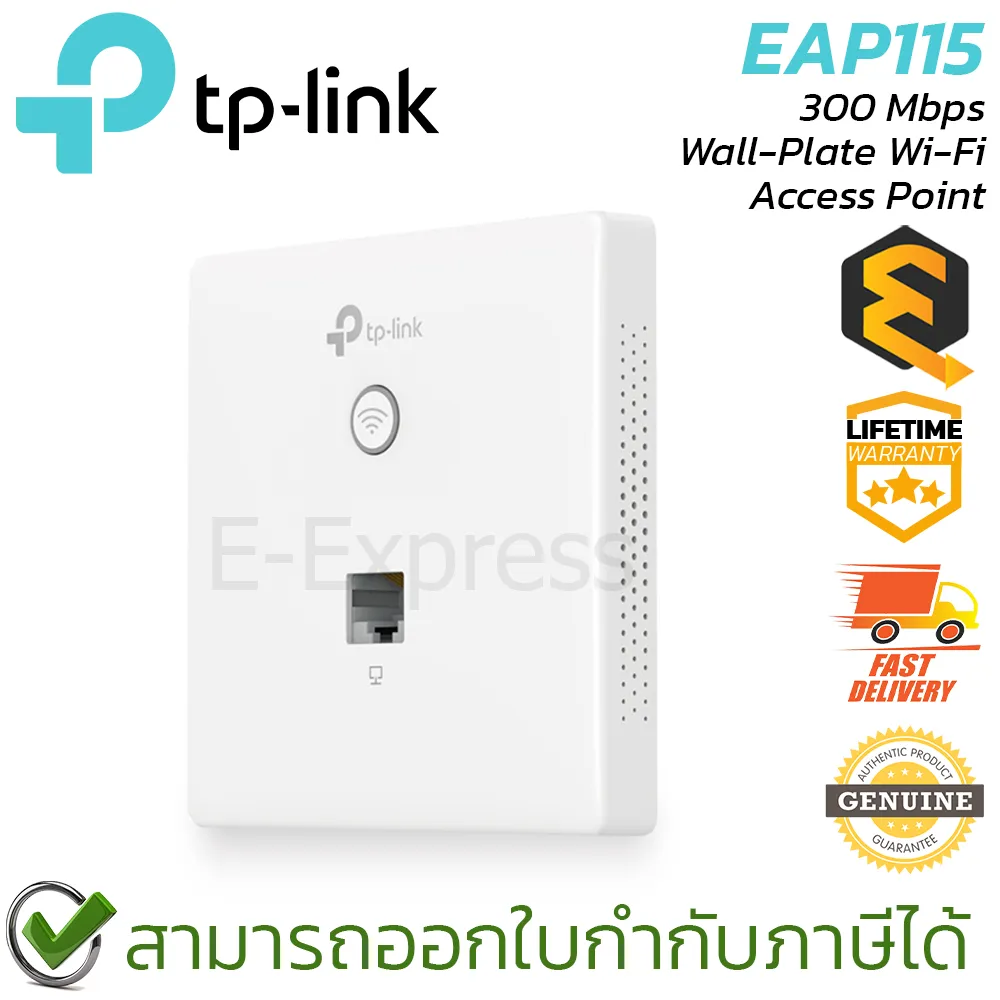
TP-Link EAP115 300 Mbps Wall-Plate Wi-Fi Access Point ของแท้ ประกันศูนย์ตลอดอายุการใช้งาน
 向 E-Express 咨询此商品
商品详情
✅ รับประกันศูนย์ตลอดอายุการใช้งาน
✅ สามารถออกใบกำกับภาษีได้
✅ Integrated into Omada SDN: Centralized Cloud Management and Intelligent Monitoring.
✅ Centralized Management: Cloud access and Omada app for ultra convenience and easy management.
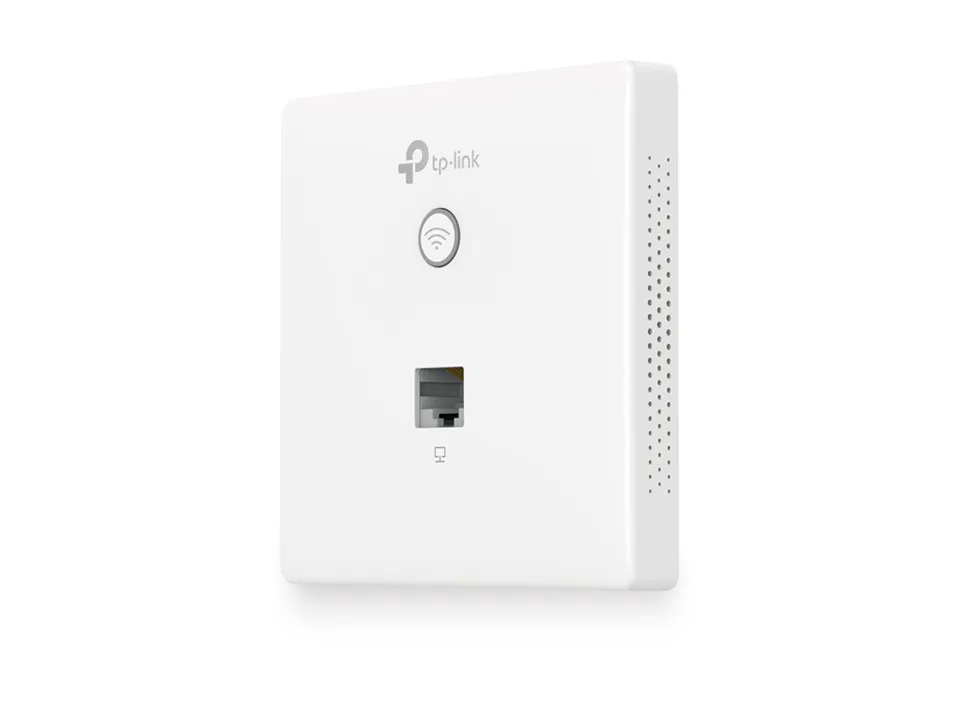
✅ Elegant Appearance: Unprecedented thin design with just 11 mm, the same size and shape as a light switch or power outlet faceplate to fit perfectly in any room.
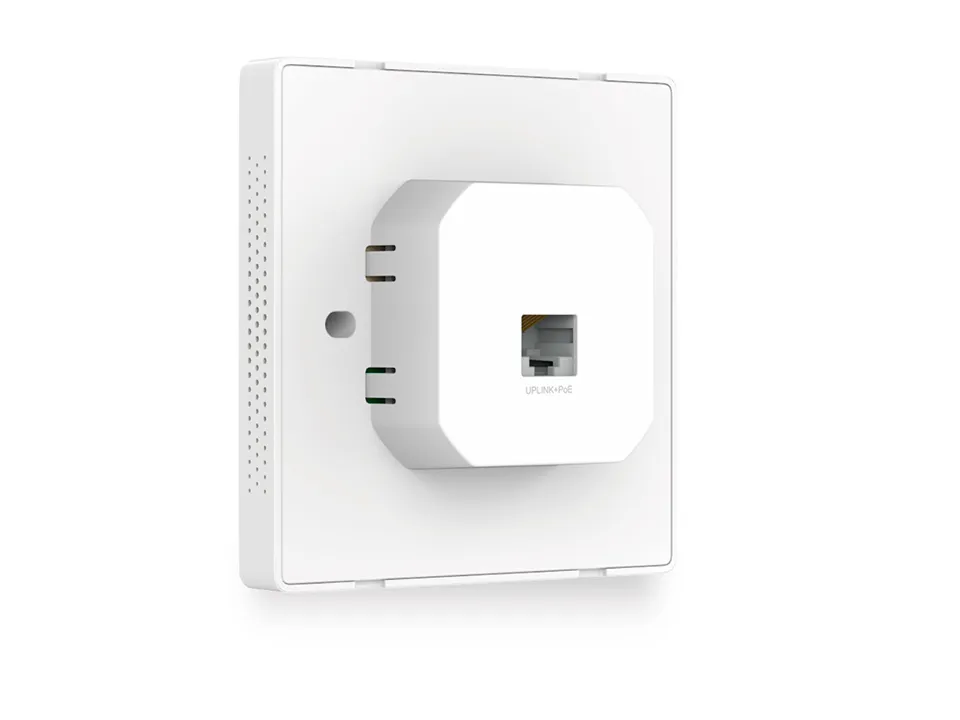
✅ Easy Installation and PoE Support: Easy-mount construction, compatible with 86 mm & EU standard junction box, and 802.3af PoE support.
✅ Secure Guest Network: Along with multiple authentication options (SMS/Voucher, etc.) and abundant wireless security technologies.
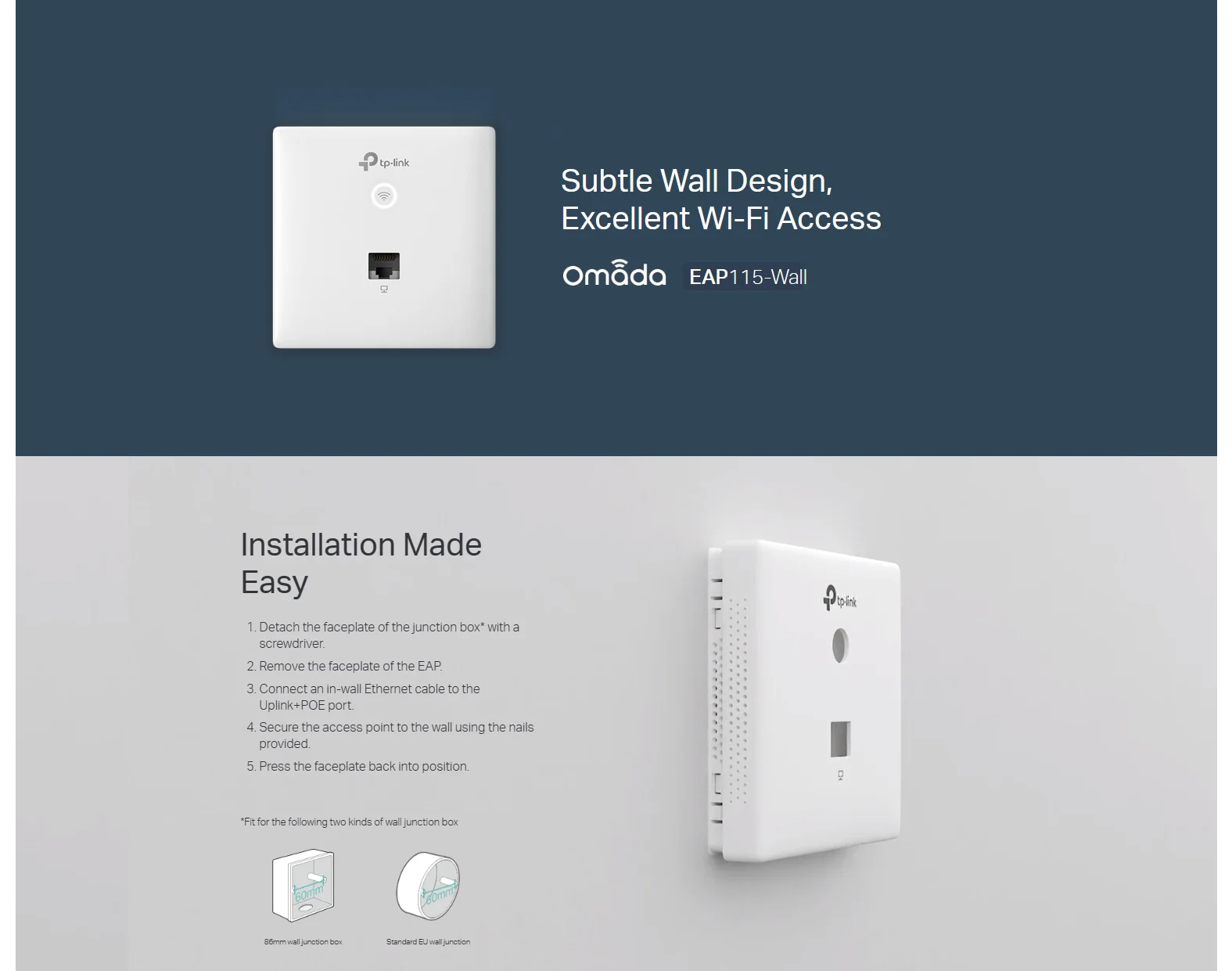
✨✨✨ Installation Made Easy ✨✨✨
1️⃣ Detach the faceplate of the junction box* with a screwdriver.
2️⃣ Remove the faceplate of the EAP.
3️⃣ Connect an in-wall Ethernet cable to the Uplink+POE port.
4️⃣ Secure the access point to the wall using the nails provided.
5️⃣ Press the faceplate back into position.
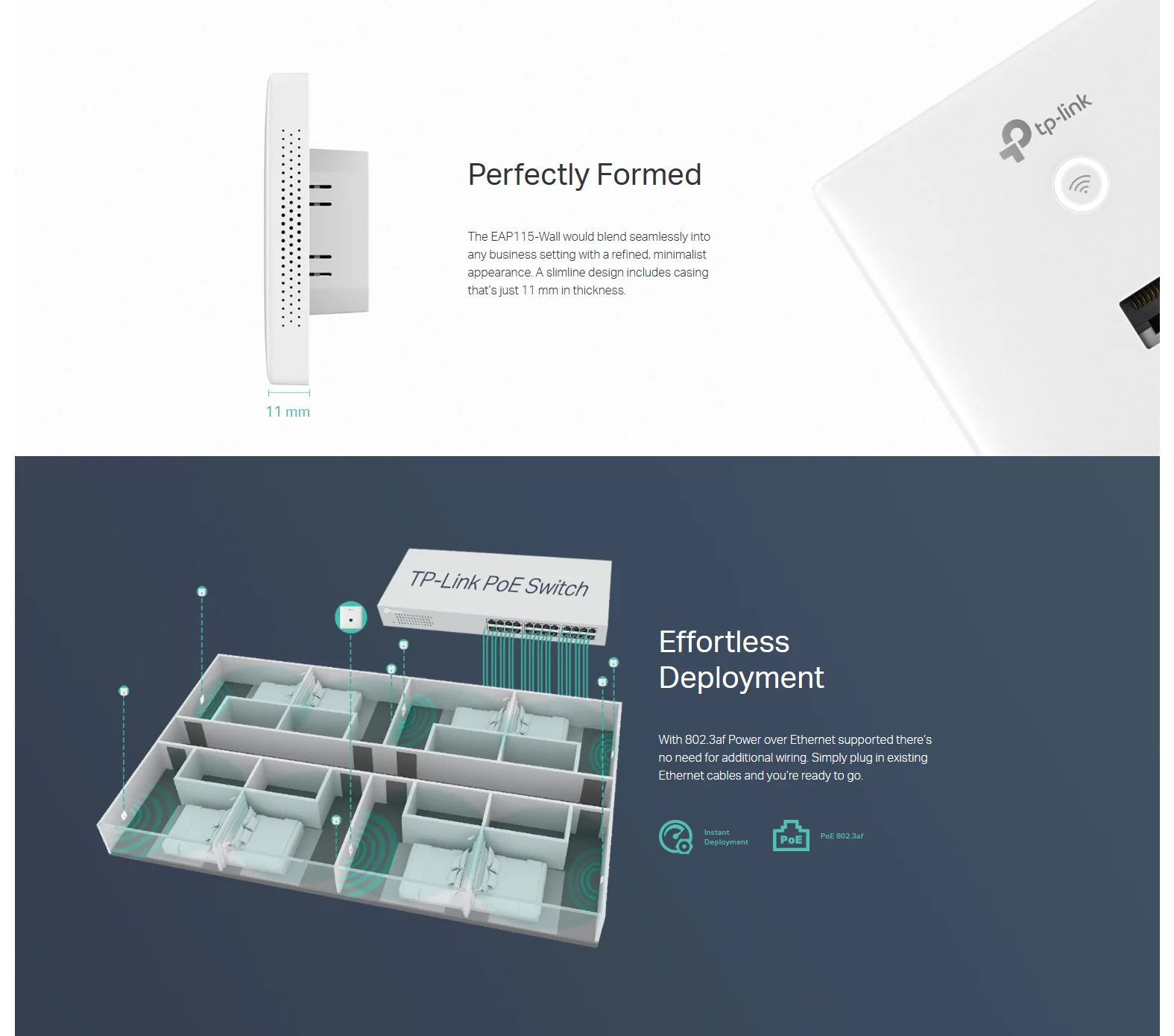
✨✨✨ Perfectly Formed ✨✨✨
The EAP115-Wall would blend seamlessly into any business setting with a refined, minimalist appearance. A slimline design includes casing that’s just 11 mm in thickness.
✨✨✨ Effortless Deployment ✨✨✨
With 802.3af Power over Ethernet supported there’s no need for additional wiring. Simply plug in existing Ethernet cables and you’re ready to go.
✅Instant Deployment
✅PoE 802.3af
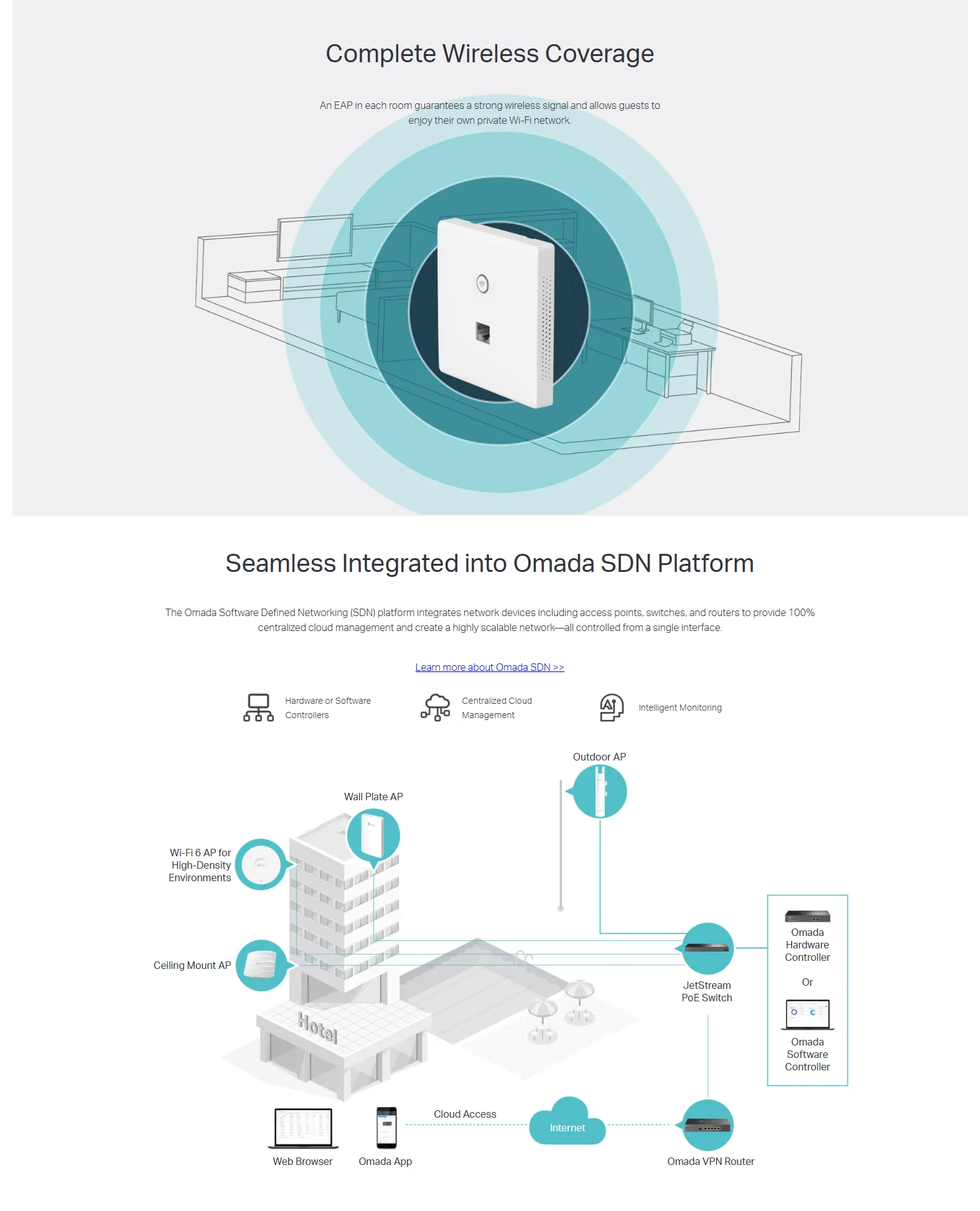
✨✨✨ omplete Wireless Coverage ✨✨✨
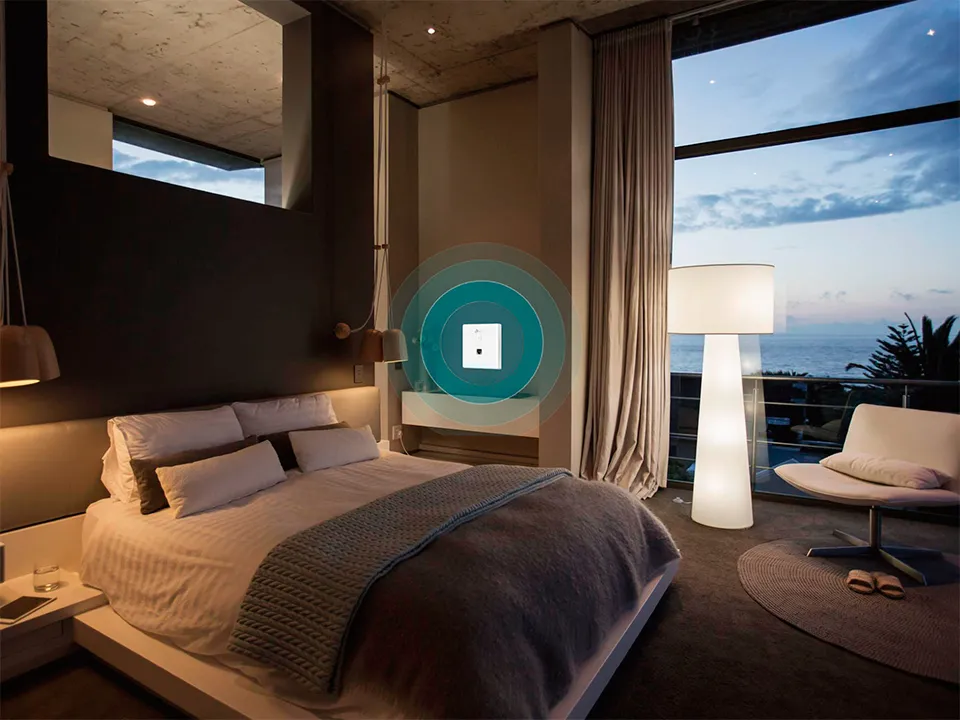
An EAP in each room guarantees a strong wireless signal and allows guests to enjoy their own private Wi-Fi network.
✨✨✨ eamless Integrated into Omada SDN Platform ✨✨✨
The Omada Software Defined Networking (SDN) platform integrates network devices including access points, switches, and routers to provide 100% centralized cloud management and create a highly scalable network—all controlled from a single interface.
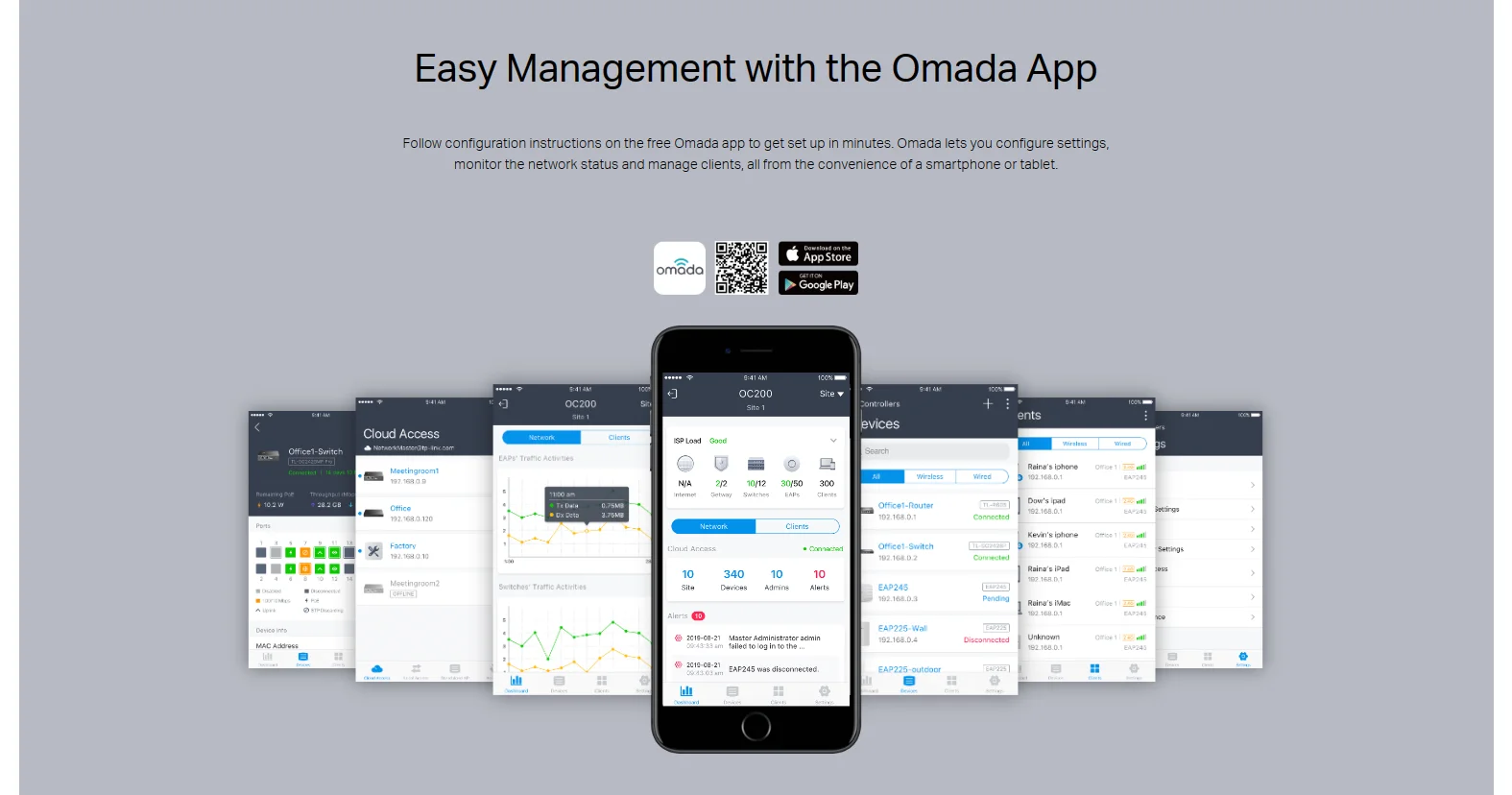
✨✨✨ asy Management with the Omada App ✨✨✨
Follow configuration instructions on the free Omada app to get set up in minutes. Omada lets you configure settings, monitor the network status and manage clients, all from the convenience of a smartphone or tablet.
✨✨✨ HARDWARE FEATURES ✨✨✨
📌 Interface
🔹 Uplink: 1× 10/100 Mbps Ethernet Port
🔹 Downlink: 1× 10/100 Mbps Ethernet Port
📌 Physical Security Lock – No
📌 Button
🔹 LED/Wi-Fi Button
🔹 RESET
📌 Power Supply – PoE (IEEE 802.3af)
📌 Power Consumption – 2.8 W
📌 Dimensions ( W x D x H ) – 3.4 × 3.4 × 1.2 in (86.8 × 86.8 × 30.2 mm)
📌 Antenna Type – Internal 2× 1.8 dBi Omni
📌 Mounting – Wall Plate Mounting
📌 Hardware Watch Dog – Yes
✨✨✨ WIRELESS FEATURES ✨✨✨
📌 Wireless Client Capacity – 100+
📌 Wireless Standards – IEEE 802.11n/g/b
📌 Frequency – 2.4 GHz
✨✨✨ MANAGEMENT ✨✨✨
📌 Omada App – Yes
📌 Centralized Management
🔹 Omada Hardware Controller (OC300)
🔹 Omada Hardware Controller (OC200)
🔹 Omada Software Controller
📌 Cloud Access Yes. Requiring the use of OC300, OC200, or Omada Software Controller.
保修与售后支持
终身保修