

ปัดซ้าย–ขวาเพื่อดูรูปเพิ่มเติม · ภาพประกอบสินค้า ตรวจสอบรุ่นและตัวเลือกก่อนสั่งซื้อ
 在庫あり
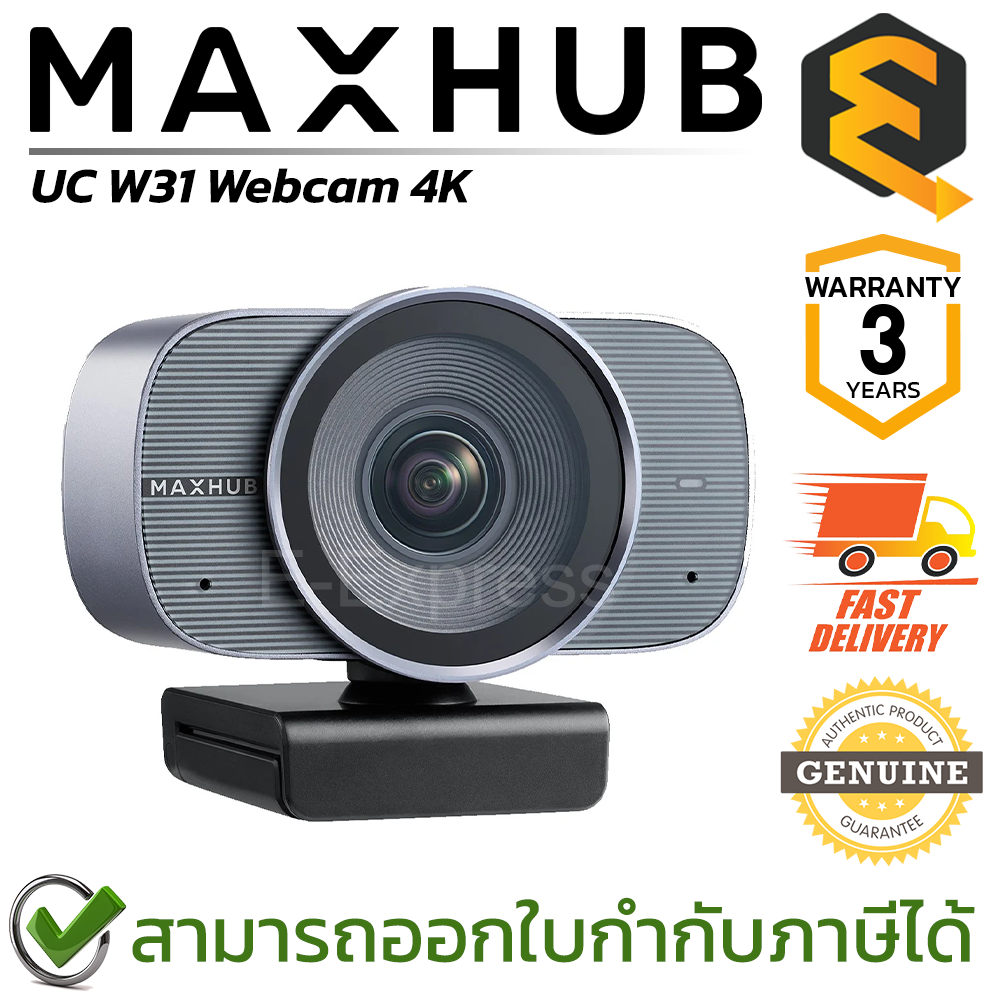
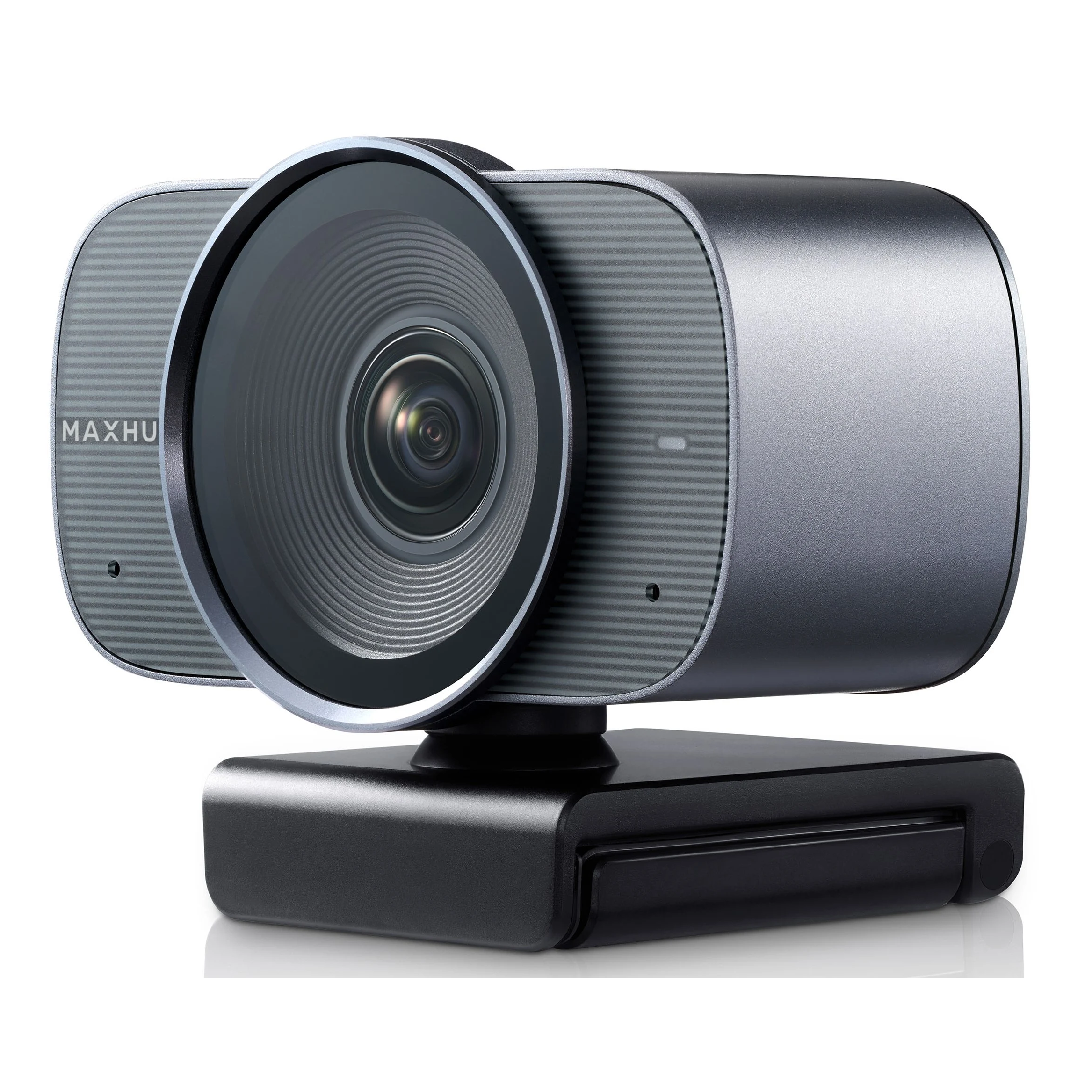
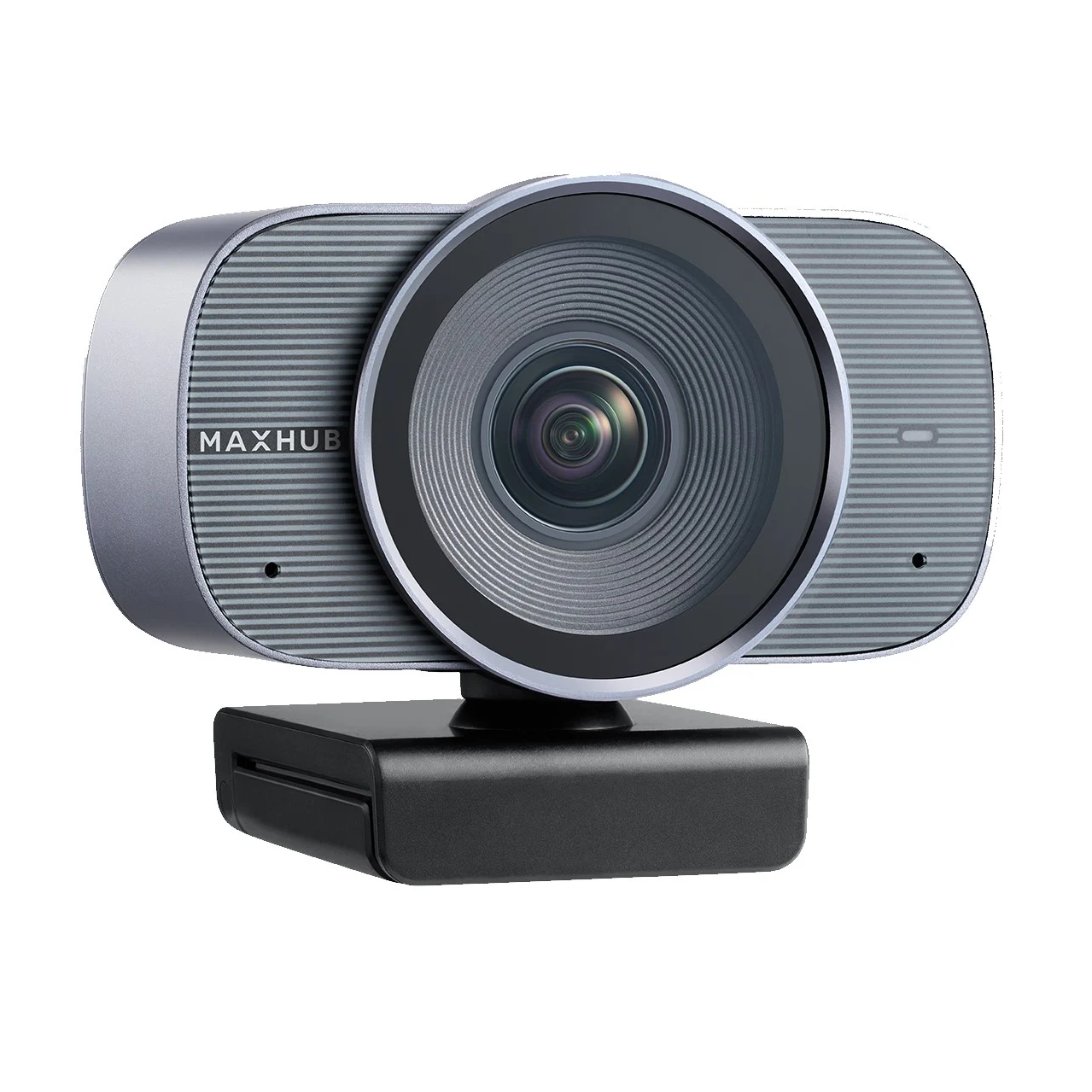
Maxhub UC W31 Webcam 4K กล้องเว็บแคม ของแท้ ประกันศูนย์ 3ปี
保証保証期間:3年保証条件を見る →
お受け取り方法を選べます当社での無料受け取り、またはご自宅へ配送
送料はご注文手続きで計算されますご注文・お支払い →
 この商品についてJDCに相談
商品詳細
✅ รับประกันศูนย์ 3ปี
✅ สามารถออกใบกำกับภาษี
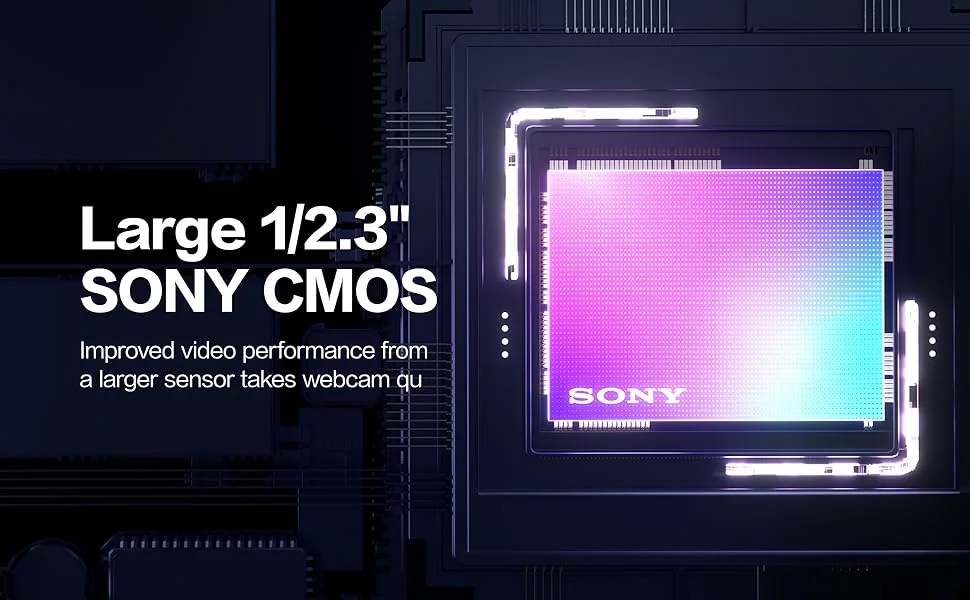
✅ Image Sensor 1/2.3″ 12M pixels
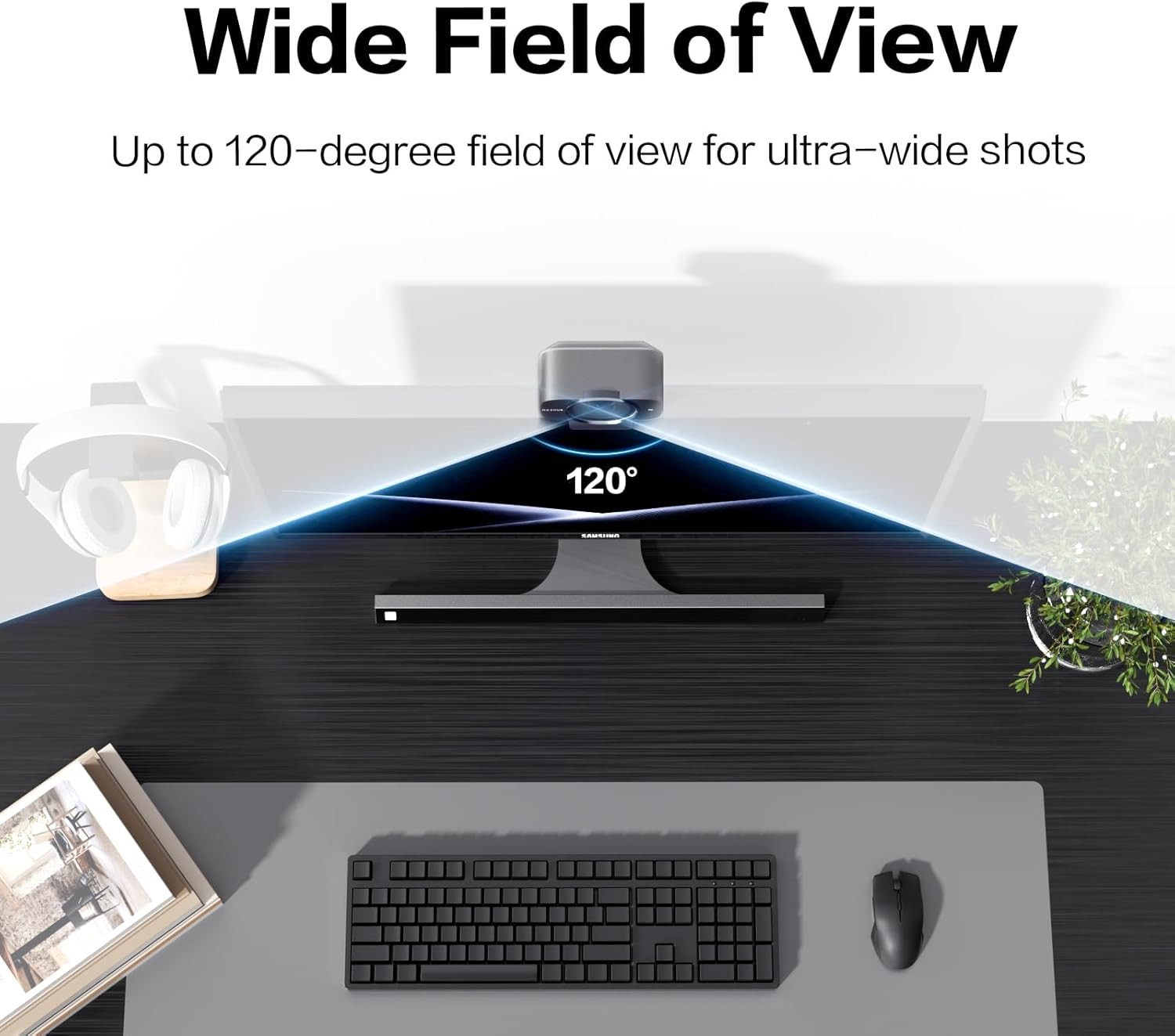
✅ Wide Angle 120° Field of View
✅ Auto Framing Technology
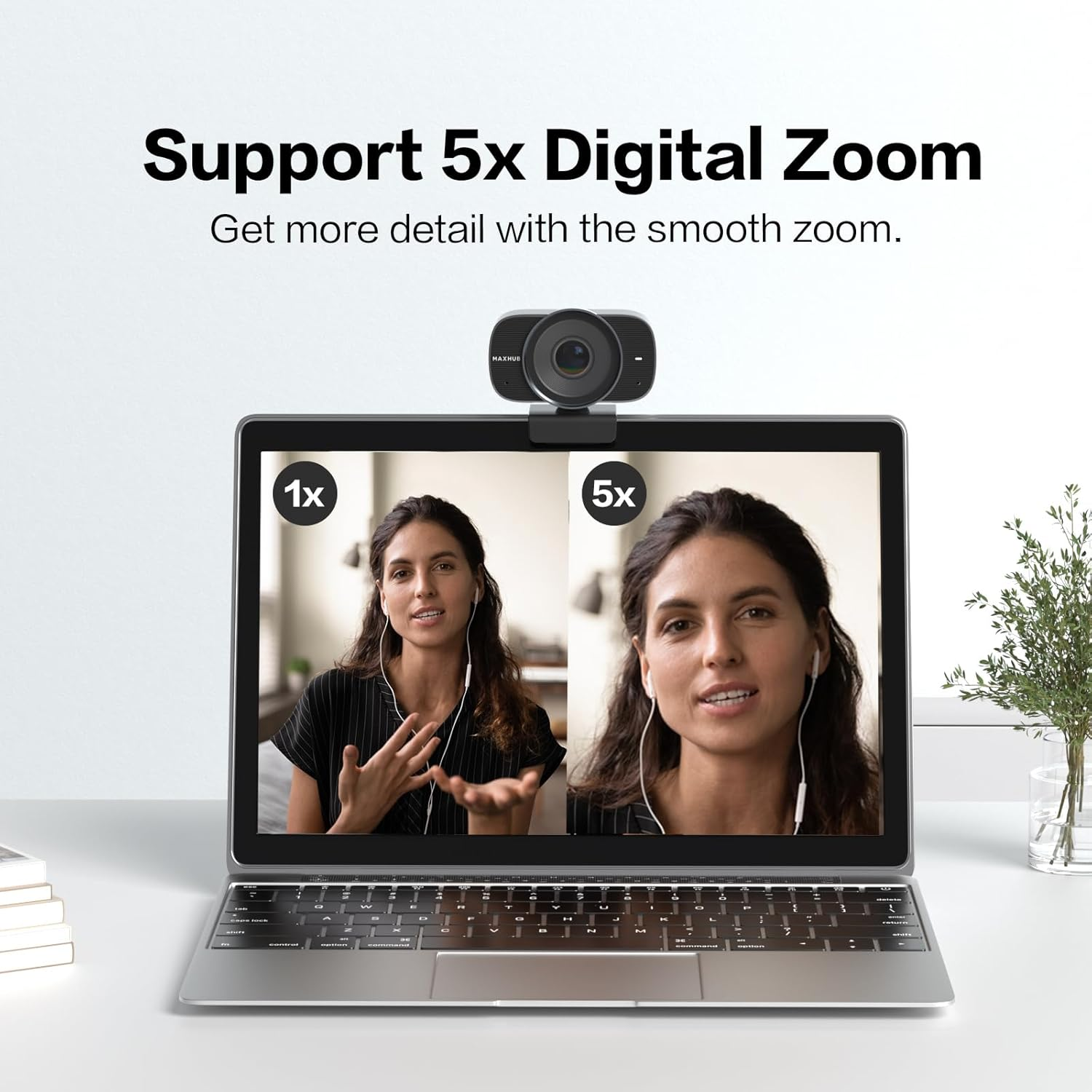
✅ Electronic Pan/Tilt/Zoom with 5x zoom
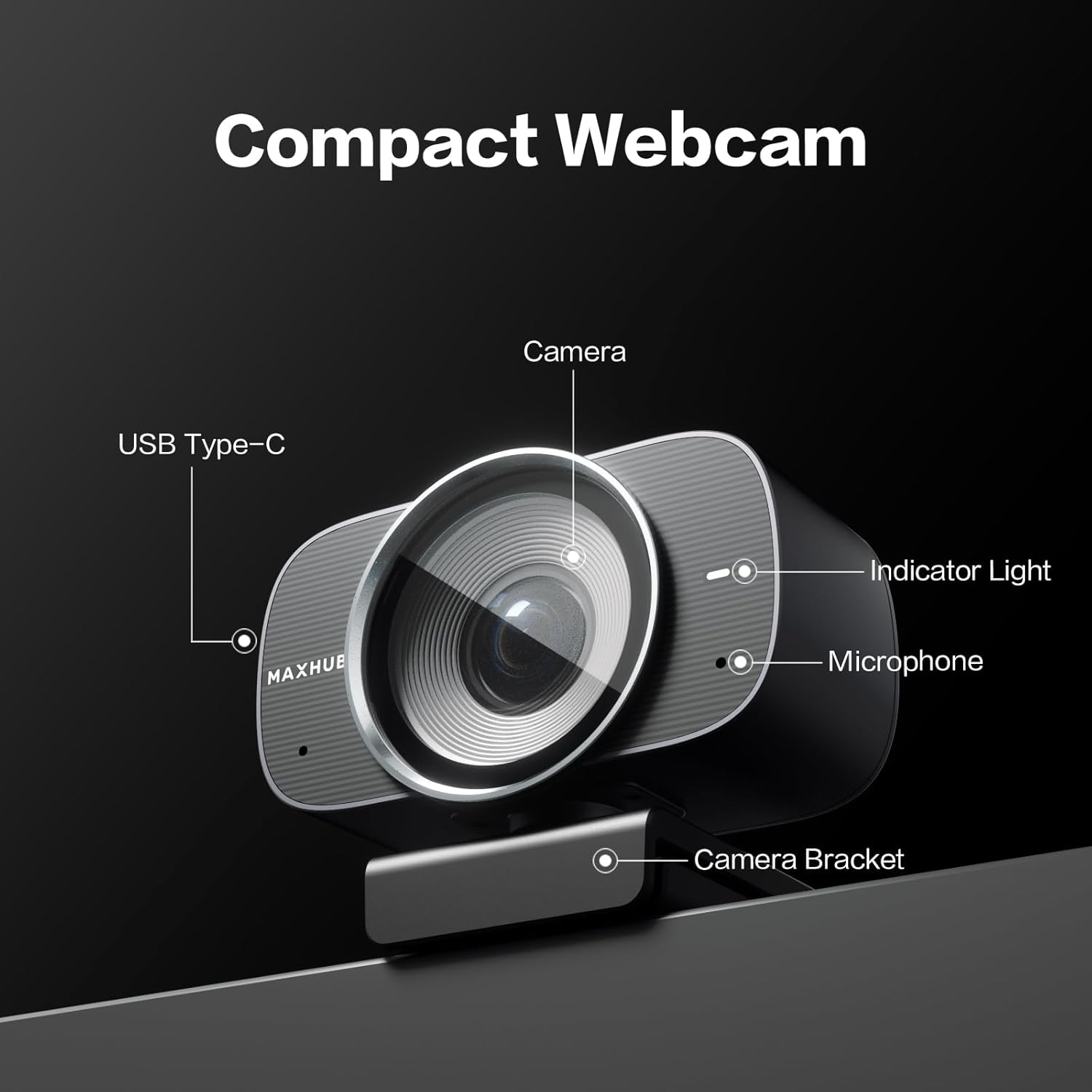
✅ USB Type-C to A
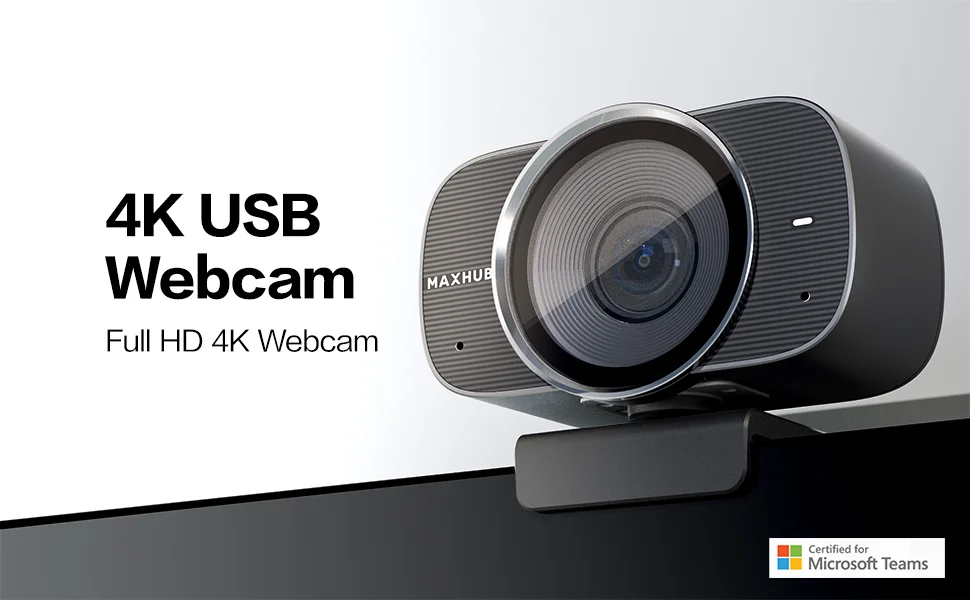
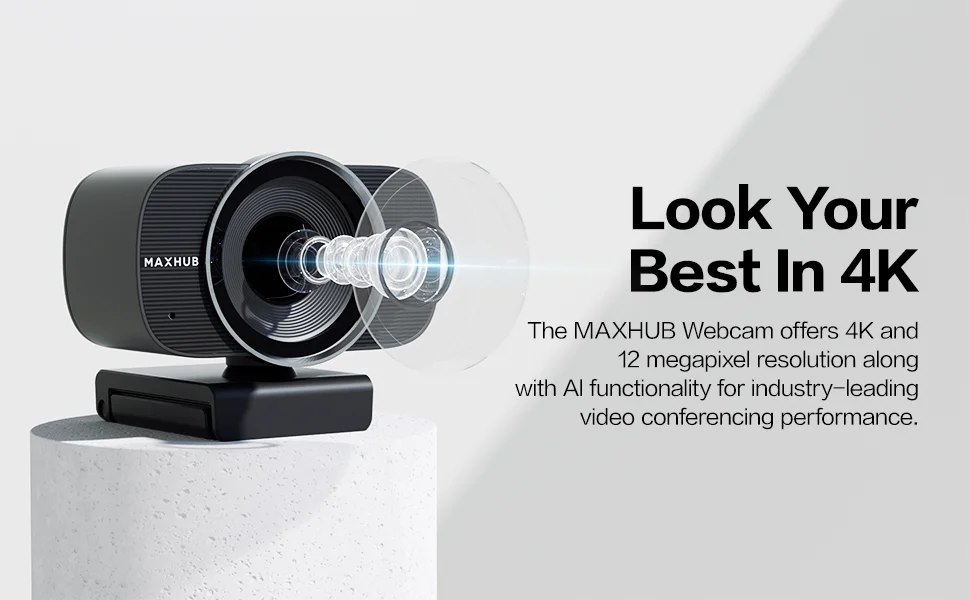

🔵 Stunning image quality
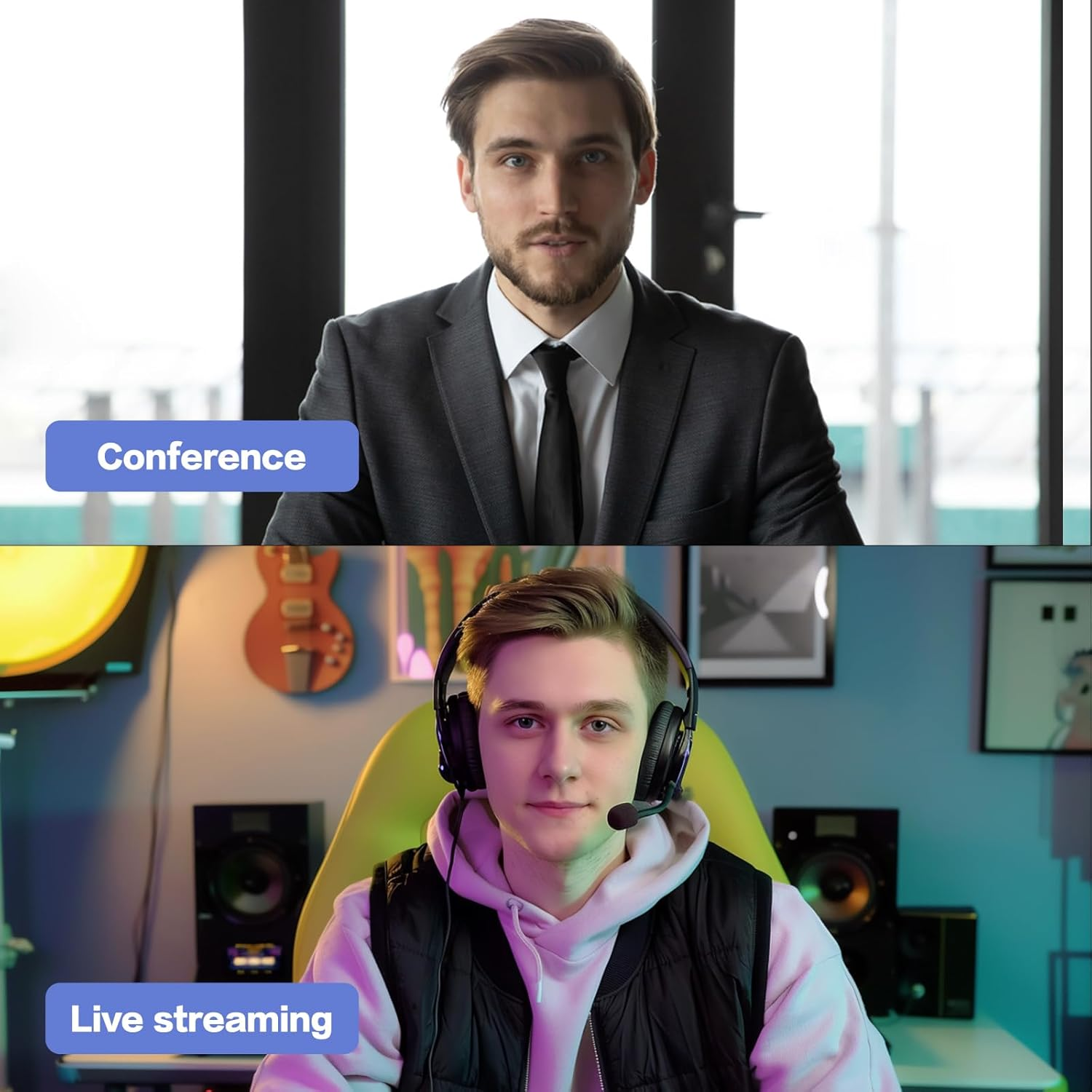
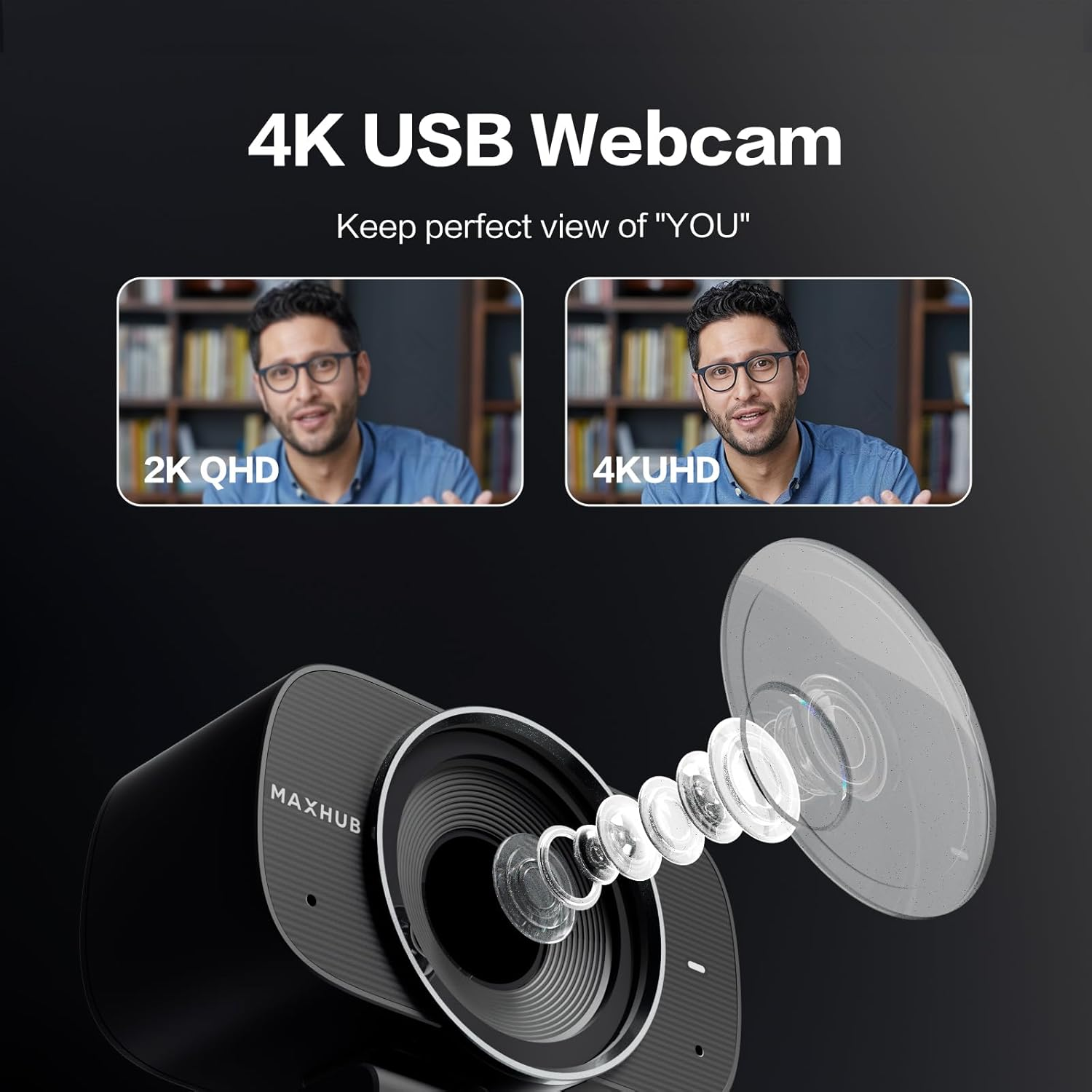
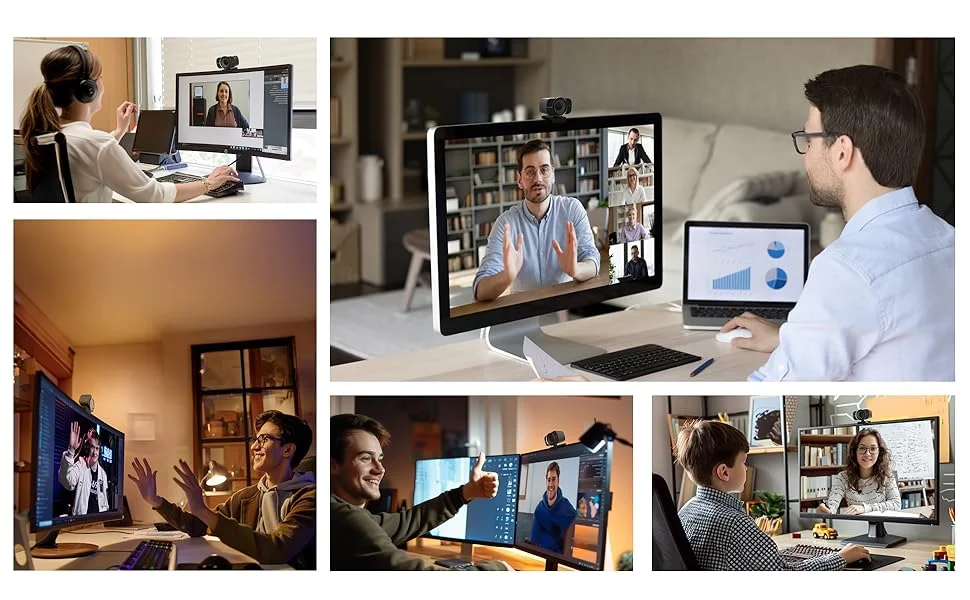
The UC W31 delivers vivid images with 5x zoom quality powered by HD 4K video at 30fps. Auto-framing technology allows it to focus and zoom in on distant users and objects, ensuring that every meeting attendee can see and be seen clearly.
🟠 Certified for Microsoft Teams
The UC W31 is certified for Microsoft Teams, offering a familiar yet extremely powerful video calling experience, resulting in more effective meetings and increased productivity.
🟡 Easy to install and manage
Easy to install, thanks to plug-and-play simplicity via a USB interface, the UC W31 can be mounted on a TV or wall for the whole room coverage.
🟢 Easy to manage with scalable deployment
Device management flexibility means onsite IT administrators can manage the device through a USB cable via MAXHUB ALIGN (software); However, remote teams can also access the device via the cloud-based MAXHUB Pivot.
🔵 A reliable and certified choice
The MAXHUB UC W31 has undergone a series of stringent Microsoft compatibility and certification processes. It comes with a 3-year advanced replacement warranty and local support, ensuring a seamless user experience and uninterrupted workflow for Microsoft Teams Rooms while accommodating cost-balancing needs.
✨✨✨ Specifications ✨✨✨
🔻 Camera Parameters 🔻
📌 Image Sensor – 1/2.3 inch
📌 Pixel – 12M
📌 Output Resolution
🔹 H.264/MJ:
(1) 3840×2160 (2) 2560×1440 (3) 1920×1080
(4) 1280×720 (5) 1024× 576 (6) 960×540
(7) 800× 600 (8) 640×480 (9) 640×360
(10) 480×270 (11) 352×288 (12) 320×240
(13) 320×180
🔹 NV12 / YUY2: (1) 1920×1080 (2) 1280×720 (3) 640×360
📌 Field of View
🔹 FOV(H): 109.1°
🔹 FOV(V): 74.4°
🔹 FOV(D): 120°
📌 Touch Point – 2.4
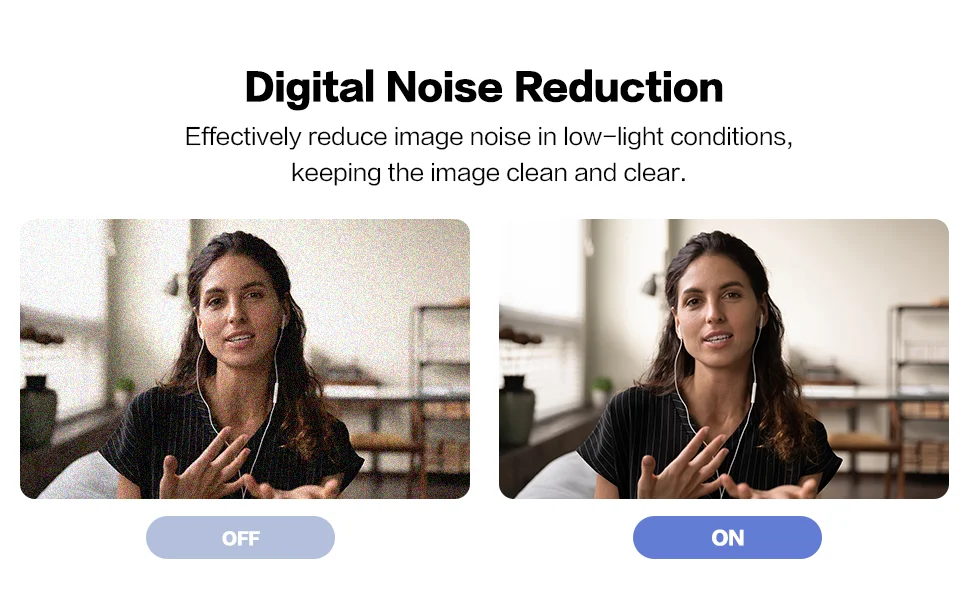
📌 Digital Noise Reduction – Yes
📌 Output Format – MJPG;H.264;YUY2;NV12
📌 White Balance – Yes
📌 Exposure – Yes
🔻 I/O Port 🔻
📌 USB-C 3.0 (Device) – 1
🔻 Accessories 🔻
📌 USB Cable (USB-C to USB-A, 1.8m/5.9 feet) – ×1
📌 Privacy Cover – ×1
📌 Hand-tightened Screw – ×1
保証・アフターサポート
保証期間:3年