

Microsoft鼠标对比:1850 vs Bluetooth Mouse
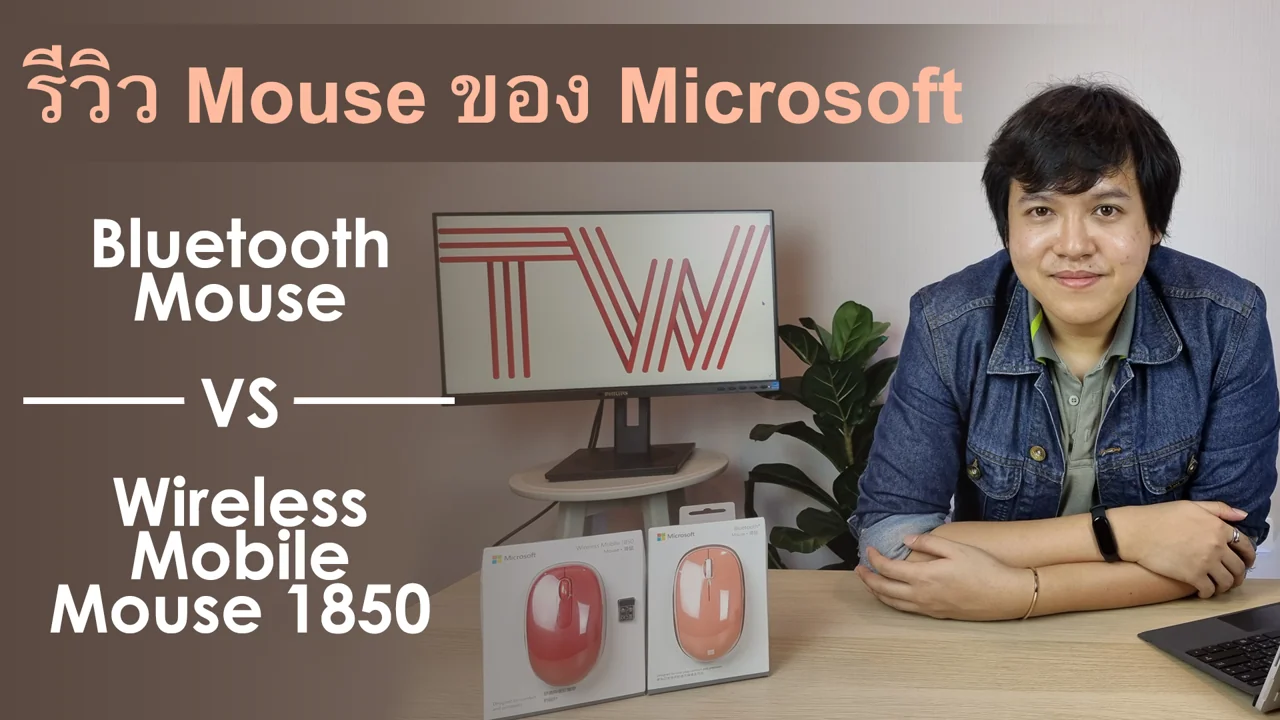
ดูวิดีโอในหน้ารับชม →
购买鼠标时,面对有线、无线、Bluetooth,以及红光、蓝光或不发光的传感器,难免困惑。哪种最适合自己?Microsoft提供多款鼠标满足不同需求,但无论哪款,都重视精准度,让操作流畅高效。
Microsoft鼠标从平价到高价都有,为什么有些更贵?本系列将深入介绍各款,本文先看热门的Microsoft Wireless Mobile Mouse 1850和Microsoft Bluetooth® Mouse。两者外形、价格接近,容易混淆,今天逐项比较。
先看设计,这2款都很现代且相似,也都不是静音或轻声点击鼠标。均可左右手使用,强调紧凑便携。大手用户、喜欢满握感或需要安静点击的人,应考虑这些特点。
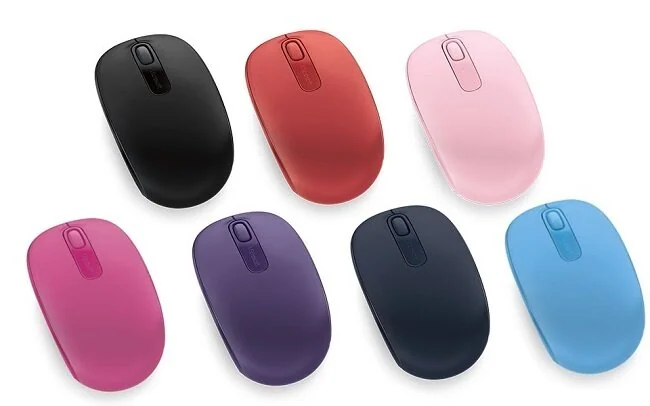
Microsoft Wireless Mobile Mouse 1850
连接是这2款的关键区别。Microsoft Wireless Mobile Mouse 1850使用USB接收器,须先插入电脑;台式机、笔记本或Mac只要有USB口即可使用。Microsoft Bluetooth® Mouse则仅支持Bluetooth连接,设备需具备Bluetooth® 4.0或以上。电脑搜索设备时长按底部键3秒即可配对。这款仅支持Windows 8.1和Windows 10,不支持其他系统。
这2款的使用距离相同,开阔处最远10米,室内最远5米。
续航方面,Microsoft Wireless Mobile Mouse 1850用1节AA电池最长6个月。Microsoft Bluetooth® Mouse采用Bluetooth Low Energy,同样用1节AA电池,最长可达12个月。
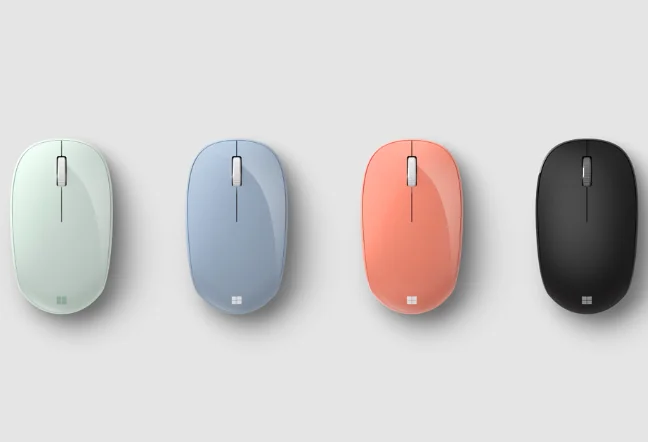
Microsoft Bluetooth® Mouse
Microsoft Wireless Mobile Mouse 1850保修3年,配色包括Cyan Blue青蓝、Black黑、Wool Blue蓝、Light Orchid浅兰花色、Purple紫、Flame Red火焰红和Magenta洋红。Microsoft Bluetooth® Mouse保修1年,有Mint薄荷、Pastel Blue浅蓝、Peach桃色和Black黑这4种配色。
主要区别在连接方式。若电脑没有Bluetooth,或需要跨多种操作系统使用,推荐Microsoft Wireless Mobile Mouse 1850;若主要使用Windows 10笔记本,并担心弄丢USB接收器,Microsoft Bluetooth® Mouse的蓝牙连接很合适。
感兴趣可通过下方链接购买。
