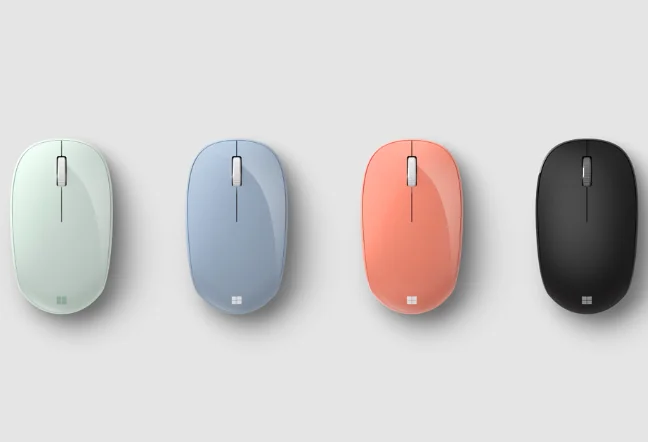
Microsoft Mouse Comparison: 1850 vs Bluetooth Mouse
Shopping for a mouse can be confusing, with wired, wireless and Bluetooth options and sensors that glow red, blue or not at all. Which suits you best? Microsoft offers many mice for different needs, but across its range, accuracy is the priority for smooth and efficient use.
Microsoft mice range from affordable to expensive. Why do some cost more? This series explores individual models, starting here with the popular Microsoft Wireless Mobile Mouse 1850 and Microsoft Bluetooth® Mouse. Similar looks and prices can make them confusing, so today we compare them point by point.
First is design. Both of these 2 mice look modern and very similar, and neither is silent or quiet-click. Both work with either hand and prioritize a compact, portable shape. People with larger hands, a preference for full-size mice or a need for quiet clicks should consider these points.
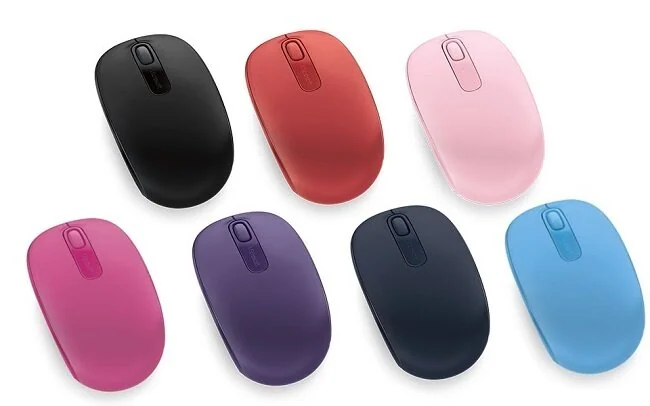
Connection is the key difference between these 2 models. Microsoft Wireless Mobile Mouse 1850 uses a USB receiver, which must be plugged into the computer first. It works with desktops, laptops and Macs that have USB ports. Microsoft Bluetooth® Mouse connects only through Bluetooth and requires Bluetooth® 4.0 or higher. Hold the underside button for 3 seconds while your computer searches for devices to pair it. This mouse supports only Windows 8.1 and Windows 10, not other operating systems.
Both of these 2 models have the same range: up to 10 meters in open spaces and 5 meters indoors.
For power, Microsoft Wireless Mobile Mouse 1850 lasts up to 6 months on 1 AA battery. Microsoft Bluetooth® Mouse uses Bluetooth Low Energy and lasts up to 12 months on the same 1 AA battery arrangement.