

Microsoft Bluetooth vs Designer Compact: keyboards that differ in more than size
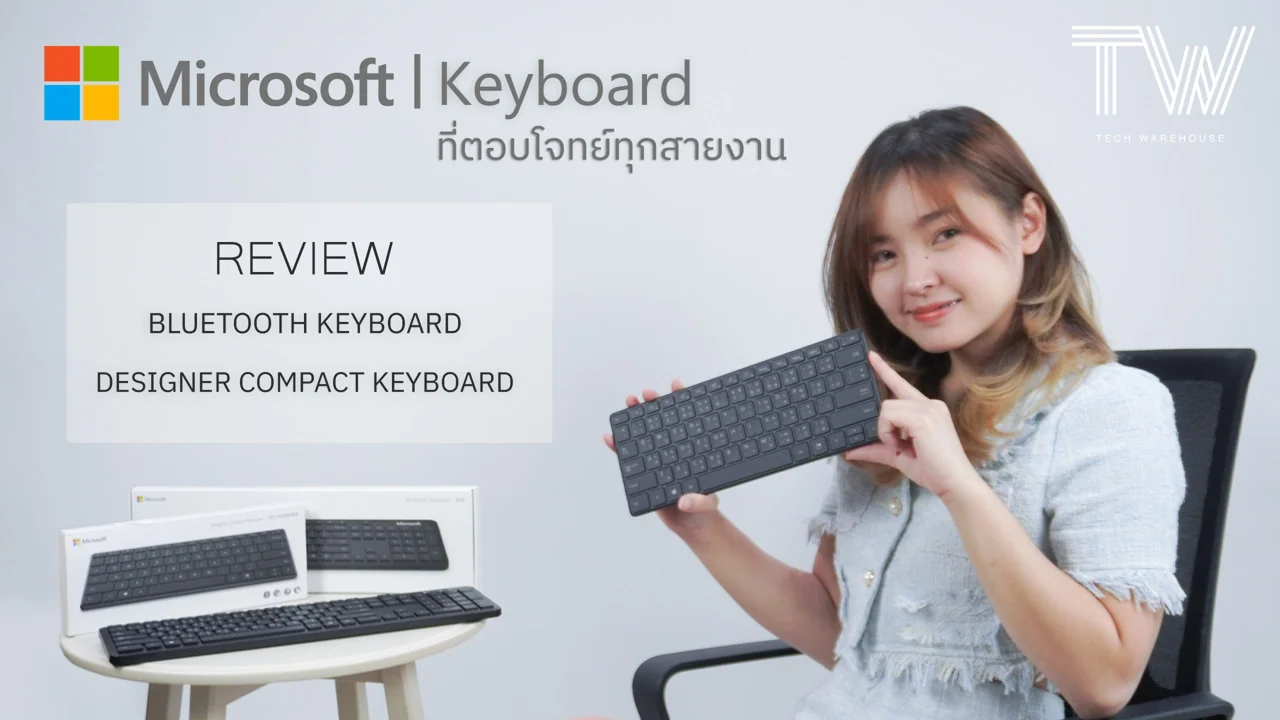
Design is the first obvious difference. Both are compact, convenient and made with durable, good-quality materials, but their layouts differ. Microsoft Designer Compact Keyboard emphasizes portability: it is very small, has laptop-like low-profile keys and no number pad. Microsoft Bluetooth Keyboard is compact too, though not as small as Microsoft Designer Compact Keyboard. Its low-profile layout includes a number pad, ideal if you cannot do without one. Despite this, it remains thin, reasonably light and portable, suiting people who work both in and outside the office and want a single keyboard for everything.
Another difference you can feel is the key material. Microsoft Designer Compact Keyboard has a particularly premium texture and feels excellent. That is not to say Microsoft Bluetooth Keyboard is poor—its materials are good too—but Designer Compact feels especially impressive.
Connectivity is another distinction. Both use Bluetooth Low Energy 4.0 or later. Microsoft Designer Compact Keyboard supports Microsoft Windows 11/10/8.1 only, while Microsoft Bluetooth Keyboard also supports iOS/Mac OS and Android in addition to Windows 11/10/8.1. Some features are unavailable on Mac and Android.

Microsoft Designer Compact Keyboard image
Microsoft Designer Compact Keyboard can connect to up to 3 devices, useful when switching between a notebook and desktop. Press F1 to switch; the indicator on F1 shows the current device. Caps Lock also has a status light. Microsoft Bluetooth Keyboard, by contrast, connects to only one device.
Pairing is simple. For Microsoft Designer Compact Keyboard, use the power button on the back. For Microsoft Bluetooth Keyboard, hold the Bluetooth-symbol button until the light flashes. Search for it from the device you want to connect, enter the six-digit number shown on screen, and press Enter to begin.
The operating ranges differ by only a few centimeters, too little to matter in practice, so we treat them as equivalent. Both Microsoft Designer Compact Keyboard and Microsoft Bluetooth Keyboard work at approximately 10 meters in open space and 5 meters indoors.
Battery type is a clearer difference. Microsoft Bluetooth Keyboard uses 2 AAA batteries lasting up to 3 years. Microsoft Designer Compact Keyboard instead uses 4 CR2032 lithium coin cells, perhaps to keep it thin, and also offers up to 3 years. Batteries are included with both models, so you need not buy them separately.

Microsoft Bluetooth® Keyboard image
Now let us look at shortcuts, starting with Microsoft Designer Compact Keyboard. Despite its small size, it includes plenty:
– An emoji-menu key, reflecting the growing use of emoji to express feelings. It can be reassigned to open Office or Microsoft 365.
– F2–F4 control the audio of the media being played.
– F5–F8 can be customized to open apps or run macros to suit your work and improve efficiency. Their default functions are shown here.
Microsoft Bluetooth Keyboard's full-size layout naturally provides more functions and shortcuts.
– More audio and media controls occupy F1–F7. Of these 7 keys, 4 can be reassigned to other actions such as launching apps or macros: F4–F7.
Besides the extra media controls, there are shortcuts for the calculator, search and Snip screen capture.
On Microsoft Designer Compact Keyboard, reassigning keys can remove their original function. For example, assigning F8 to something else means losing that Snip screenshot shortcut.

Which would Mo choose? Neither exclusively: she would use both, one for carrying out and the other for the office. Not rich, she jokes—just greedy and spending beyond her means! If you have decided which you want, click the links to order or read more.
