

Logitech G535 review: a lightweight wireless headset with a comfortable fit
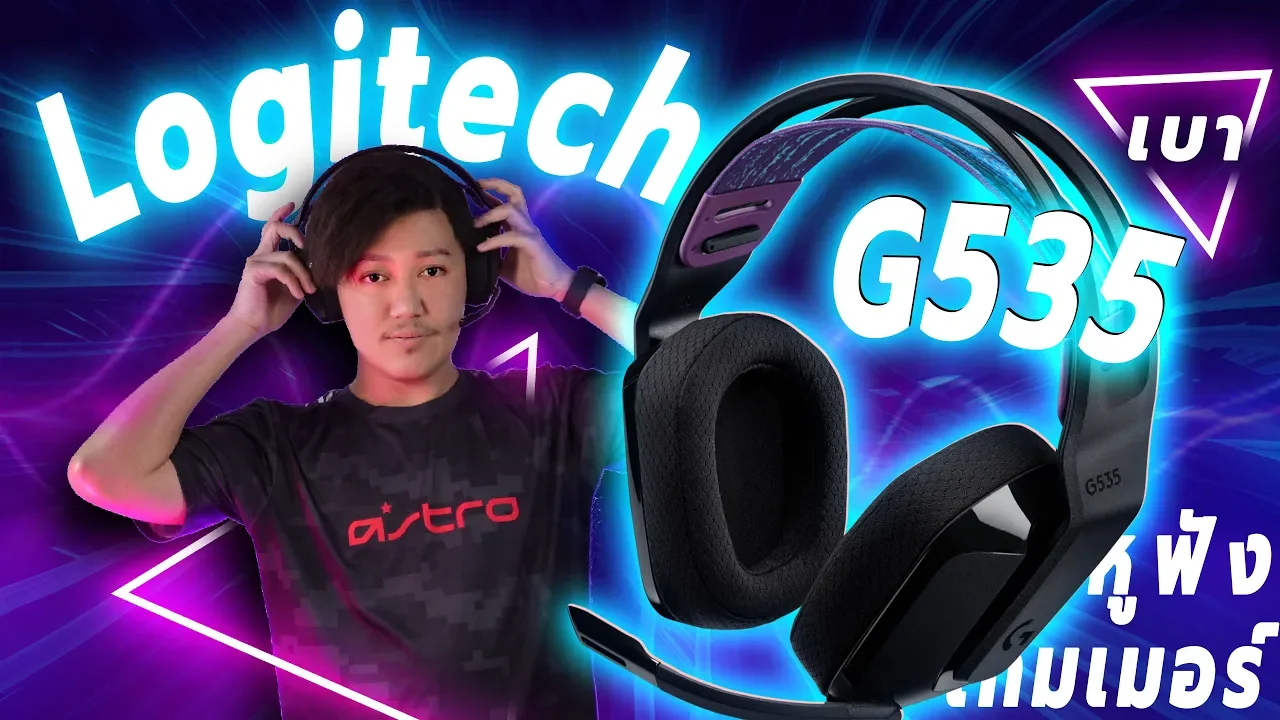
Today we have Logitech G535, a wireless headset without Bluetooth. Its strengths include light weight and good sound. What else does it offer, and is it worth its price? Let us find out.
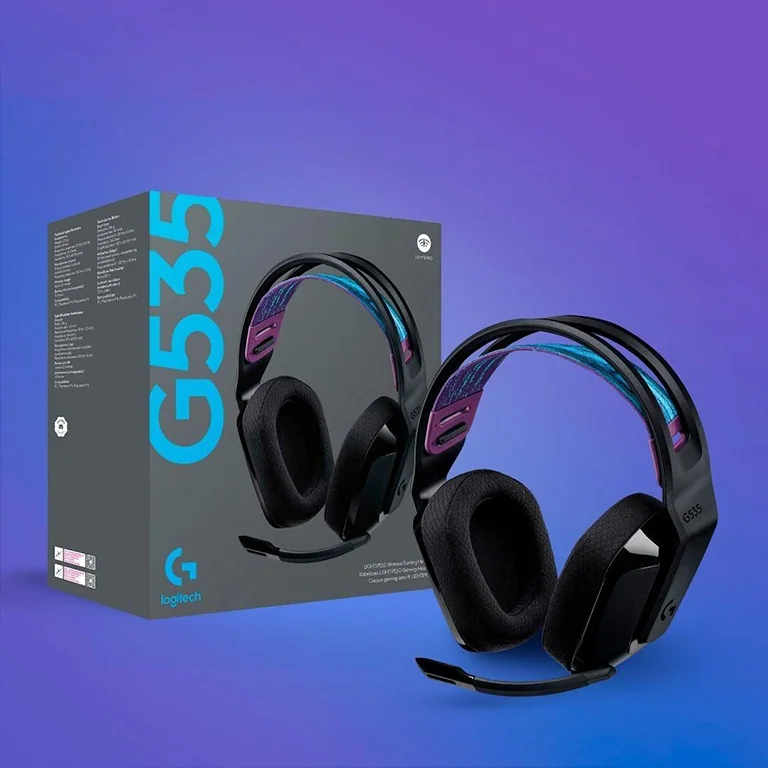
The first thing you notice when opening the box is the headset's attractive, modern appearance.
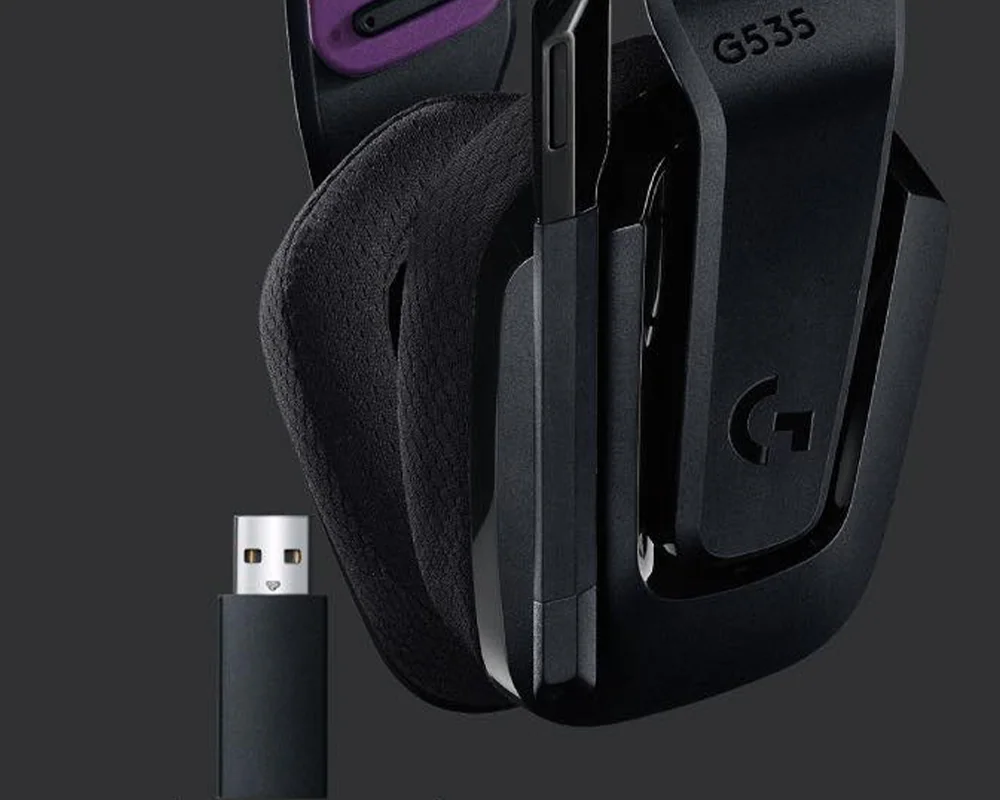
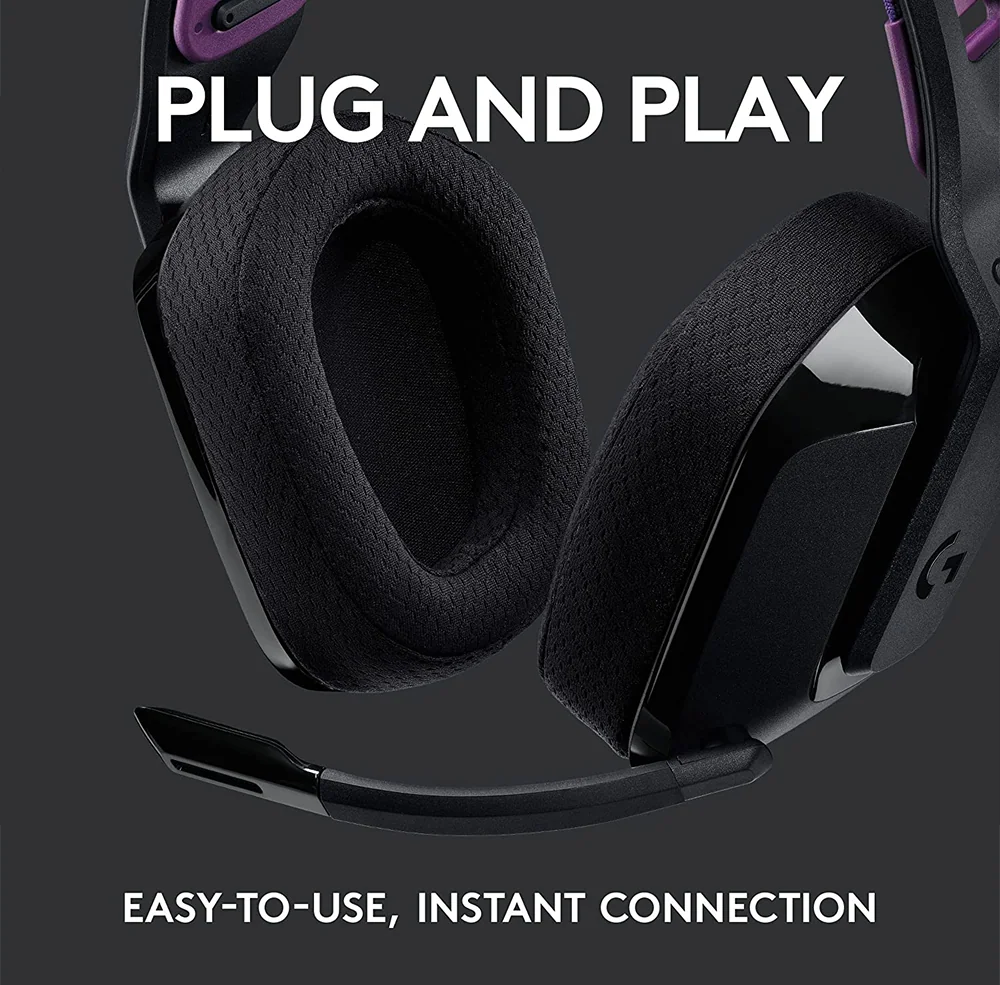
Next is the USB dongle (Type A). Plug it in to use the headset wirelessly. The dongle uses LIGHTSPEED technology, providing a low-latency connection with no noticeable audio delay in use.
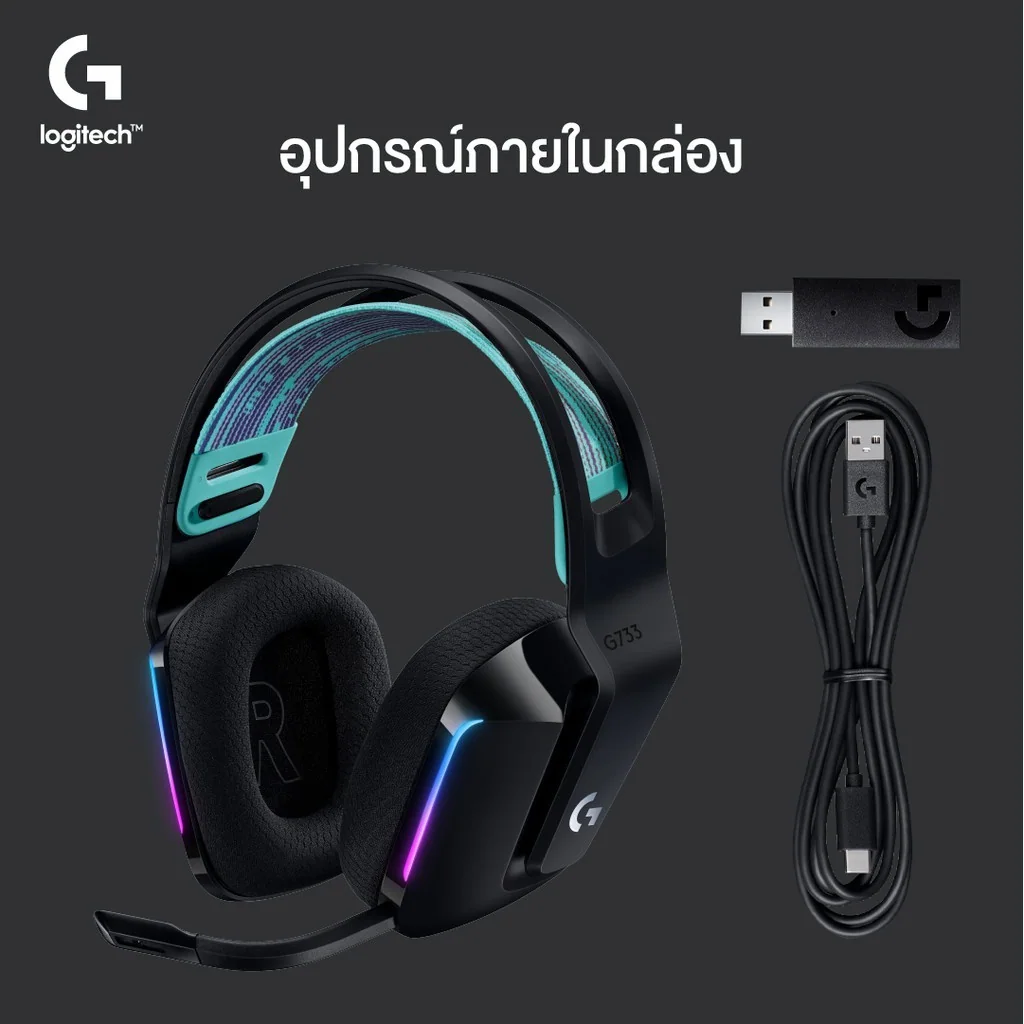
The included USB Type C to Type A cable charges the battery. Audio still travels through the LIGHTSPEED receiver; wired USB audio is not supported. The box also includes a manual and a G-logo sticker, as with many G-series products.
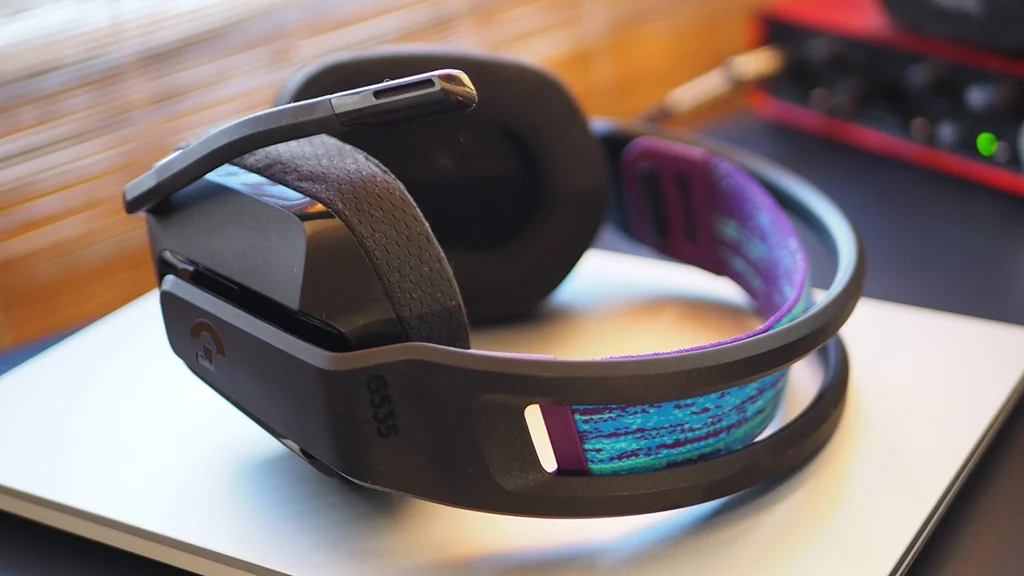
The headset has a plastic construction. Although it looks light, it feels firmly assembled. A key advantage is its low weight: the manufacturer specifies approximately 236 grams for G535, making it suitable for extended wear.
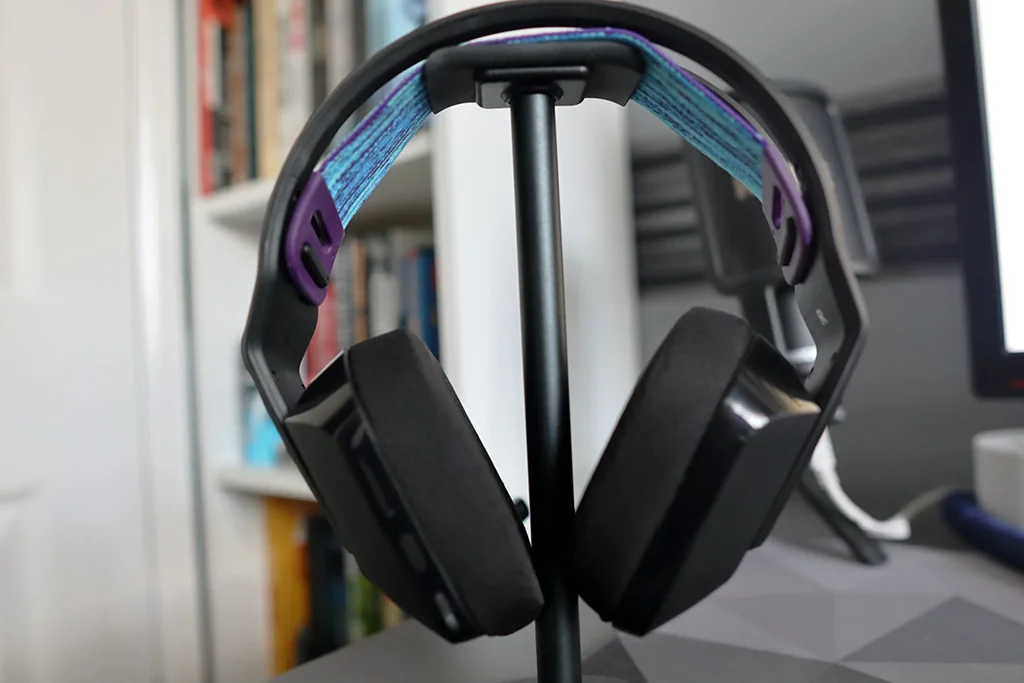
The ear cushions use fabric and foam for comfort without excessive pressure. The microphone moves up and down through about 180 degrees: lower it to use it, and lift it to mute automatically. This is convenient in everyday use.
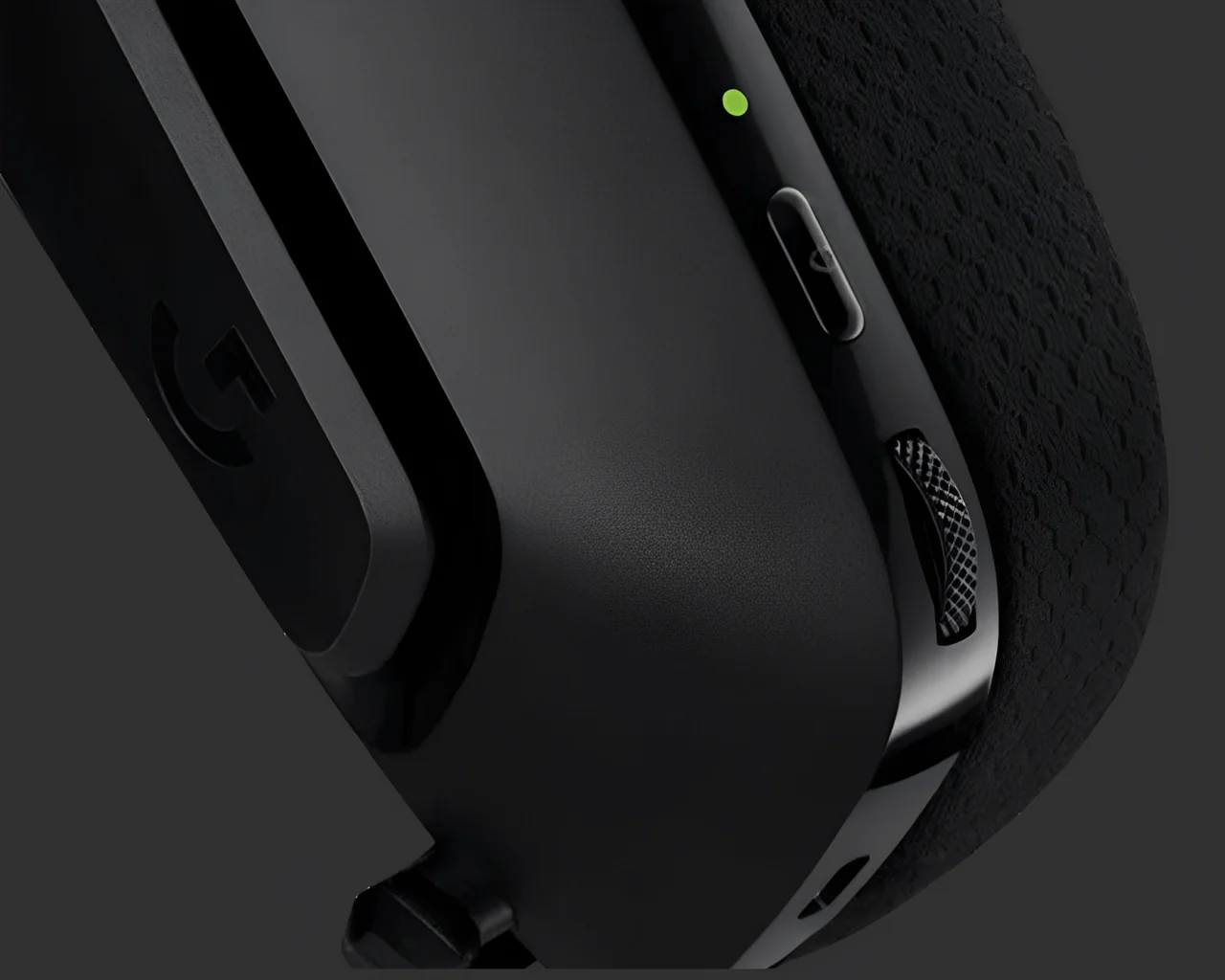
The controls at the back are simple. Hold the power button to switch the headset on, and hold it again to switch it off.
Below are the volume wheel and USB Type C charging port. You can connect the cable to charge while using the headset, but audio still requires the LIGHTSPEED receiver, rather than a wired USB audio connection.
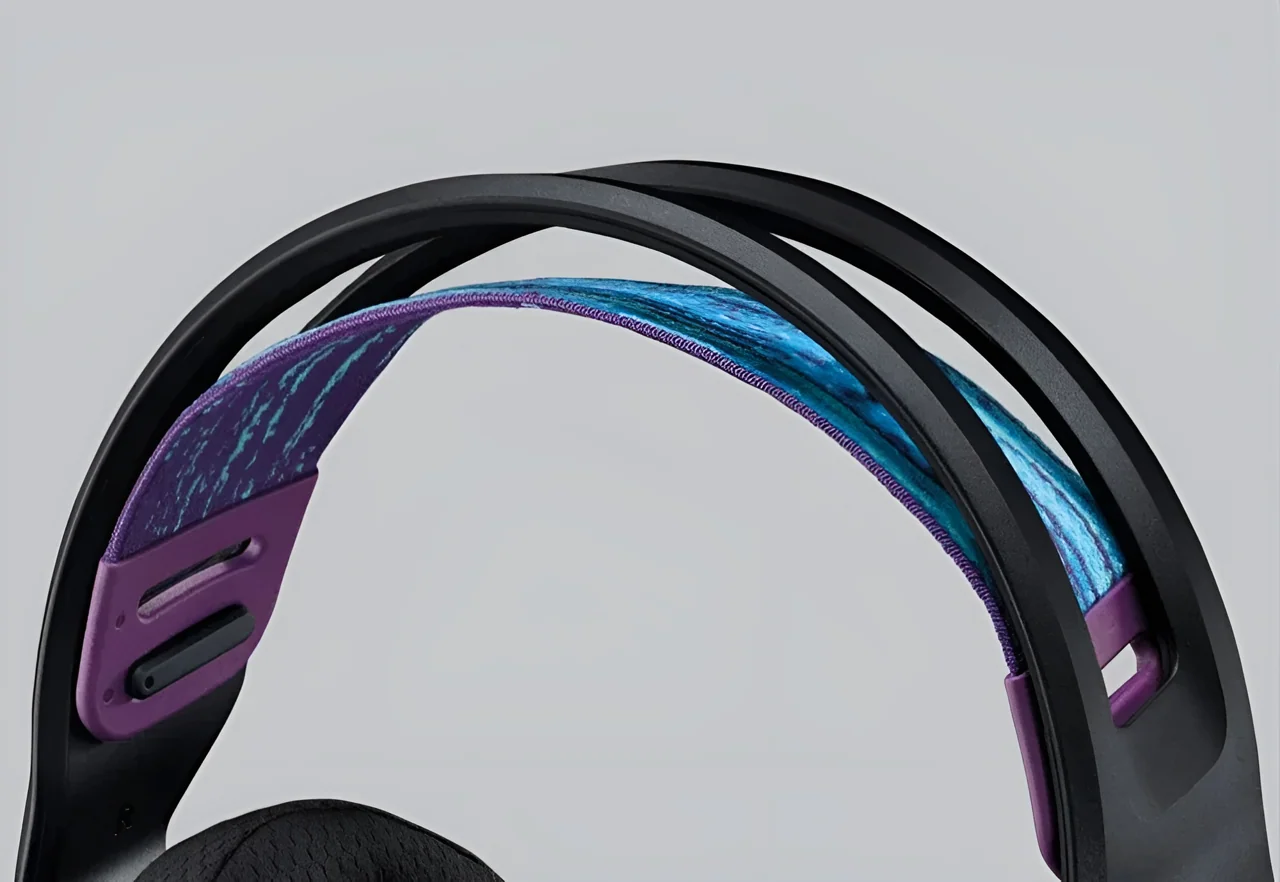
The elastic headband is not just decorative: it distributes pressure so the plastic frame does not press directly on your head during long sessions. If the fit feels loose, the band offers 2 adjustment levels for a closer fit.
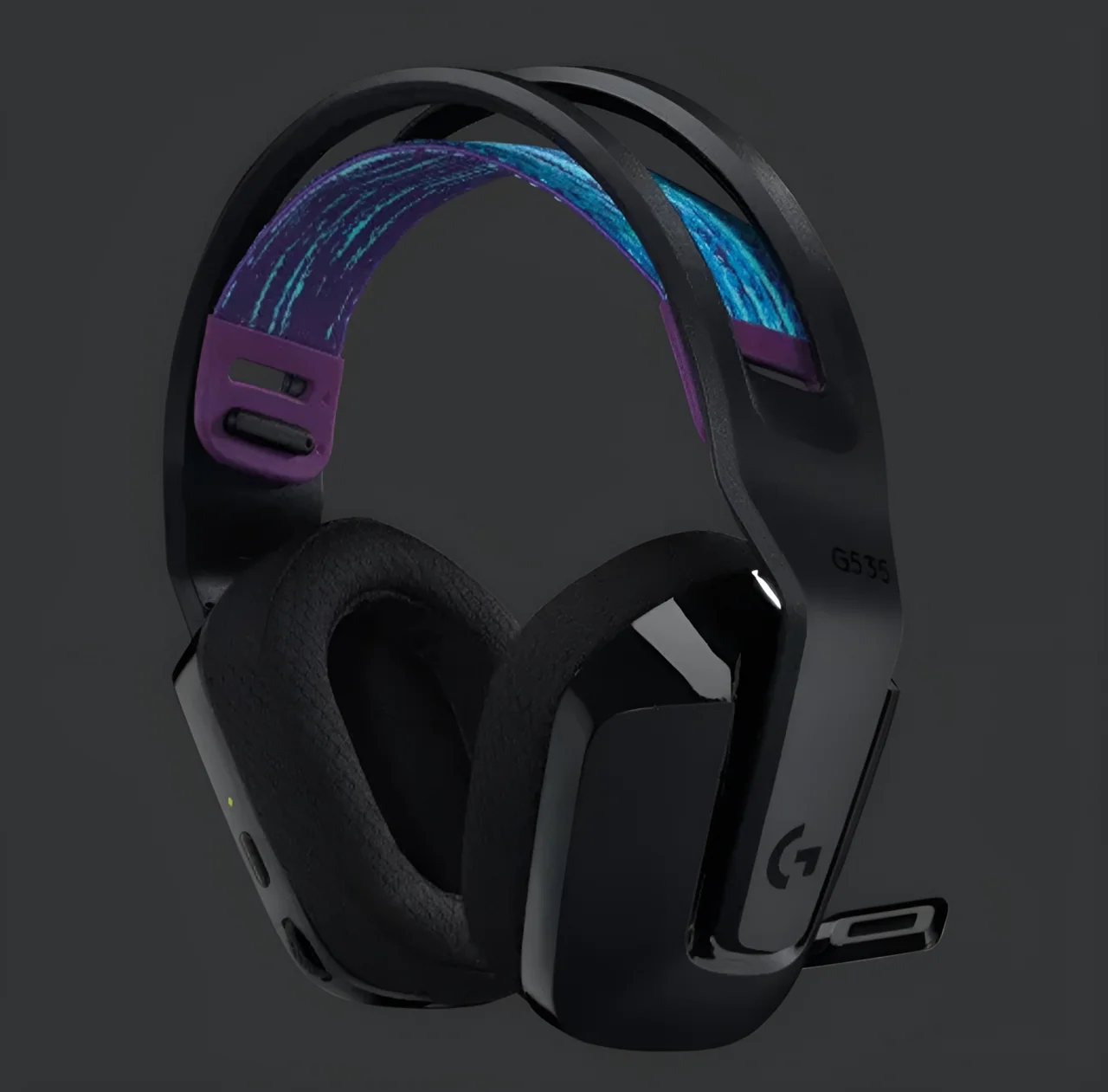
Battery life is a strong point, with up to 33 hours of continuous use, useful if you do not want to recharge frequently. The 40 mm drivers are a practical middle-ground size, neither especially small nor overly large.
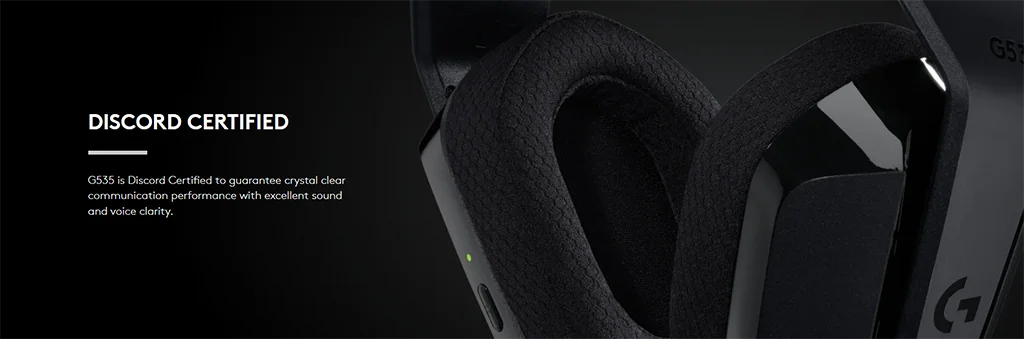
Its cardioid microphone focuses on sound from the front, attenuating sound from behind and around it. This helps reduce unwanted surrounding noise, although it does not make all background sound disappear.
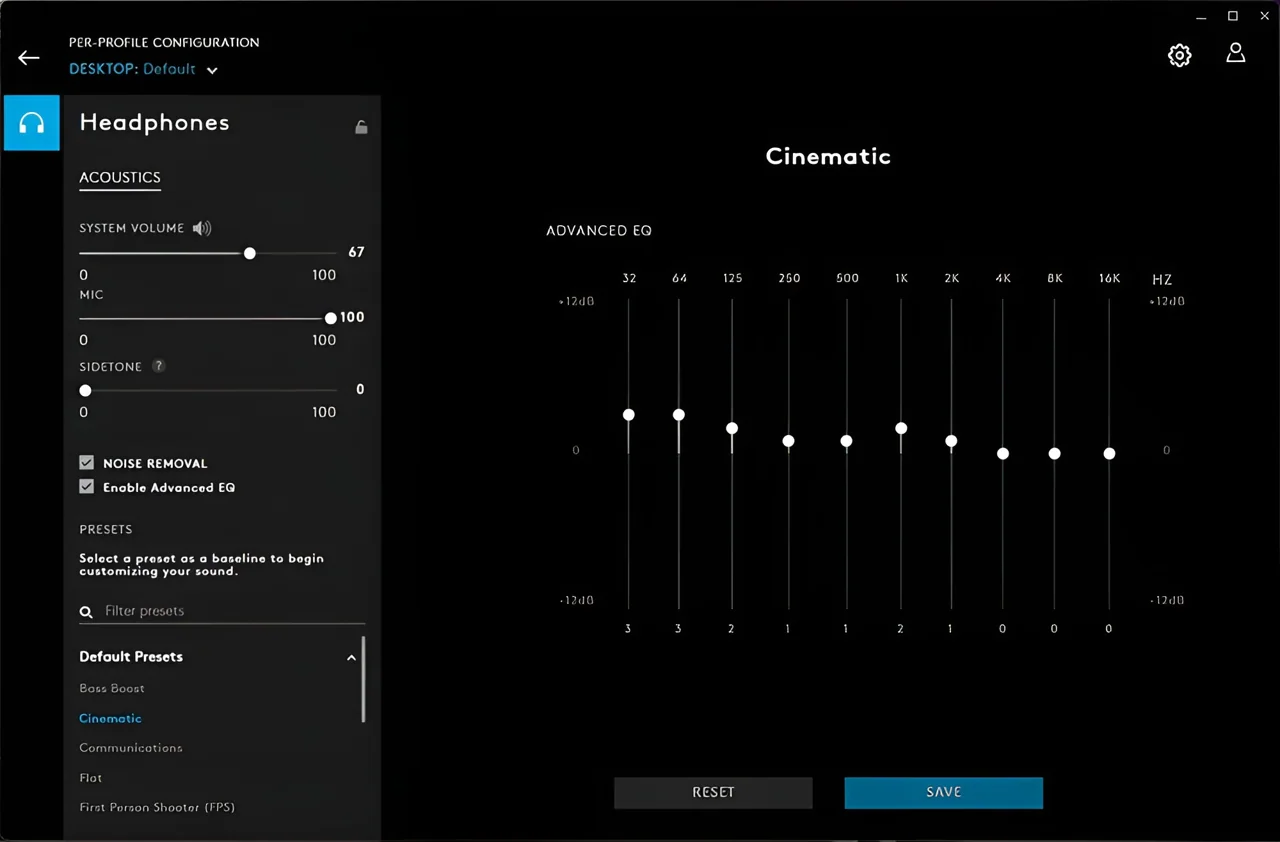
You can adjust the headset in Logitech G HUB, including the equalizer to tailor the sound you hear.

Microphone sidetone also lets you hear your own voice through the headset. For games, use the presets or customize settings. For example, in FPS games you can emphasize footsteps to suit the title and hear important in-game cues more effectively. That wraps up our review. What do you think of this headset? If it suits your needs, consider trying it. Thanks for watching, and see you next time!
ดูวิดีโอในหน้ารับชม →